Has the AI ever messed up your work, or made you wish you could go back because the previous result was better? When that happens, there's a way to roll it back.
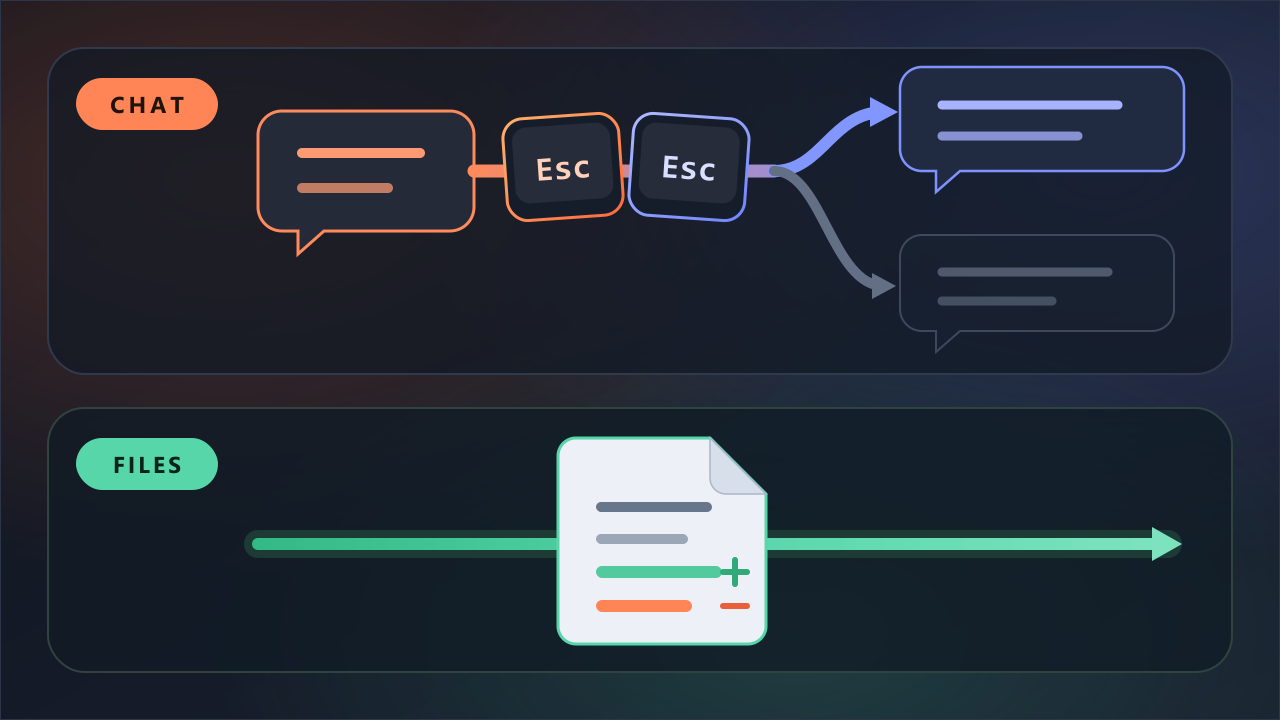
With the input box empty, press Esc twice, or type /rewind. The messages you've sent so far appear, each at its own point. You pick a point to go back to, then pick once more what to do there — that's all.
You don't need to save anything yourself. Every time you send a message, the state right before it is checkpointed automatically, and it survives even if you close the session and reopen it (it gets cleaned up about 30 days later).
What you pick from the menu
Pick a point and six options appear. Broadly they're two things: restore and summarize.
| Menu item (on screen) | What it does | Files changed? |
|---|---|---|
| — Restore — | ||
| Restore code and conversation | Rewind both code and conversation to that point | Yes |
| Restore conversation | Rewind just the conversation, leaving the code as is | No |
| Restore code | Put just the files back to how they were at that point, leaving the conversation as is | Yes |
| — Summarize — | ||
| Summarize from here | Fold everything after the chosen point into a summary (before it stays) | No |
| Summarize up to here | Fold everything before the chosen point into a summary (after it stays) | No |
| — Cancel — | ||
| Never mind | Close without changing anything | No |
Restore puts the state back to how it was then; summarize leaves the files alone and just folds the conversation down short (even folded, the original messages stay in the record). So "restore" doesn't always roll the code back to an older state — you can choose to rewind the conversation alone.
Esc once and twice are different
There's one thing here that's easy to mix up.
Esconce — stops what's happening right now. The work done up to that point stays.Esctwice — opens the menu above. But only when the input box is empty. If there's text in the box, it clears that first (the cleared text comes back with↑).
So when in doubt, just type /rewind. The same menu opens with /undo or /checkpoint too.
But not all of it comes back
It's tempting to think /rewind can undo anything, but it can't. Some things come back, some don't.
| What Claude did | Comes back with /rewind? |
|---|---|
| Edited a file's contents directly | ✅ Yes |
Deleted a file with a command (rm) | ❌ No |
Renamed or moved it with a command (mv) | ❌ No |
Copied over it with a command (cp) | ❌ No |
| You changed it by hand in another editor or window | ❌ Usually not |
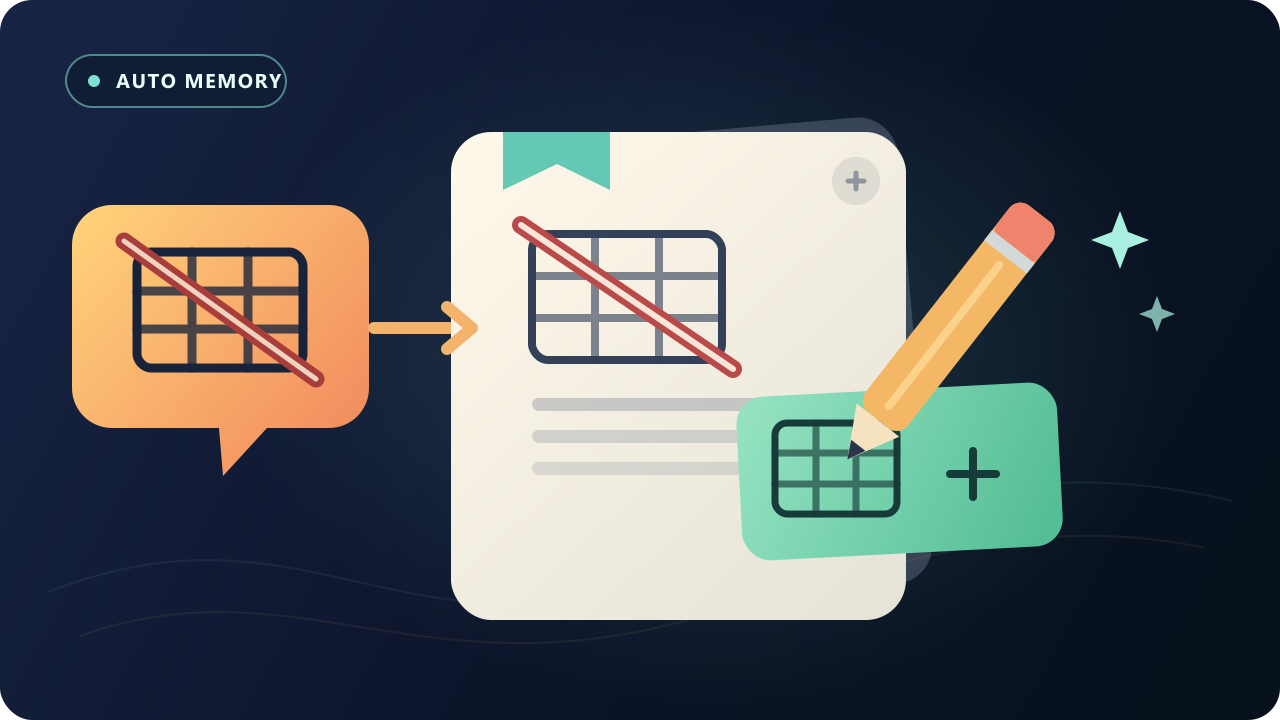
Checkpointing does not track files modified by bash commands.
Why the split? Because Claude changes files in two ways.
- Editing directly — it uses its own editing tool to change a file's contents, like fixing text right in a Word document.
- Telling the computer to do it — it issues a one-line command, like "delete that file" (
rm) or "rename it" (mv). These one-line commands are called shell commands.
/rewind only records the first kind. It doesn't record the second, so those changes can't be undone.
The one to watch is deletion. Files almost always get deleted by a shell command (rm), and once they're gone that way, /rewind can't bring them back. Just as the docs put it, this is a "local undo," not permanent history like Git — for anything that really matters, keep it in Git.
It's reassuring that you can roll back — but it's better to use it knowing what it won't do.
Having somewhere to roll back to
When there's somewhere to roll back to, you find yourself handing the work over more freely. Of course, the tokens you spent don't come back.
Where /rewind moves back through points within one conversation, /resume reopens a whole conversation you'd closed. I covered /resume in an earlier post.
For reference, the Codex CLI doesn't have this kind of in-session rewind yet (no rewind- or undo-type command shows up in its slash command list). I'll write about it when it does.
Sources
- Anthropic Claude Code: Checkpointing
- Anthropic Claude Code: Interactive mode
- Anthropic Claude Code: Commands
- OpenAI Codex: Slash commands