In CLI tools like Claude Code and Codex, your past conversations aren't laid out at a glance the way they are in a chat app.
There's a separate command for pulling up that list of past conversations: /resume.
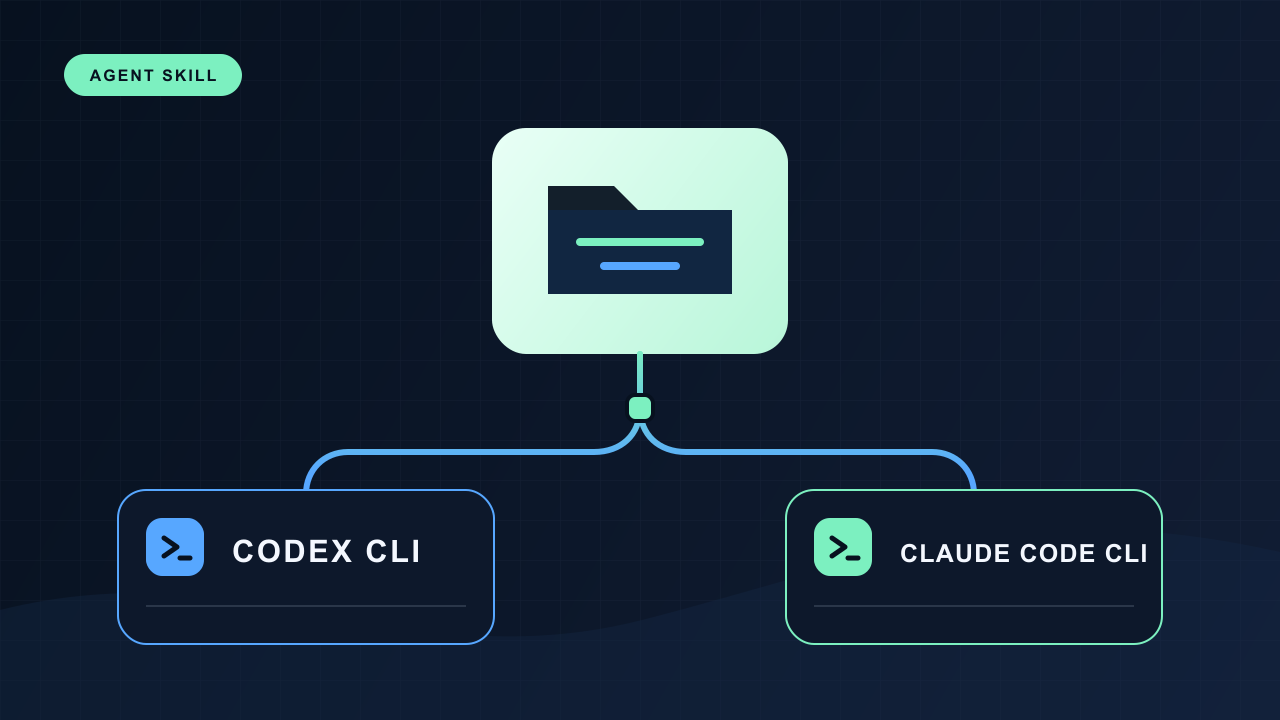
Claude Code and Codex CLI both use the same command.
How to use it
It works the same in both tools. Type /resume at the prompt and a list of past conversations appears. Pick one, and the conversation resumes right where it left off.
When it's saved
A conversation isn't saved when you end it. It's saved the whole way through.
The moment you start a session, a file appears. From there, every exchange of messages adds a line to it. Open that file yourself and the record is there in chronological order. Nothing waits to be written at the end — it's recorded continuously, all through the conversation.
So you don't have to end cleanly with /exit. If the window suddenly closes or the program freezes, everything exchanged up to that point is still there.
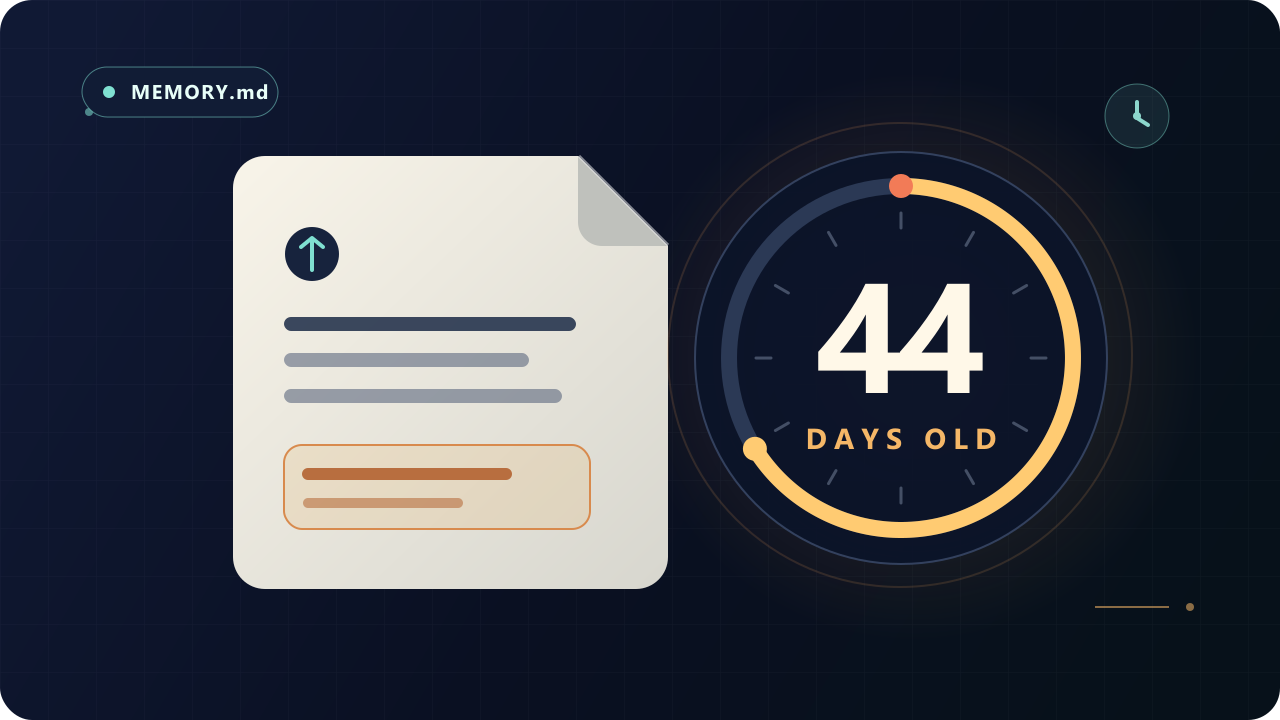
It isn't permanent, though. Claude Code removes its local records after 30 days by default (adjust this with cleanupPeriodDays). Codex CLI has no such auto-deletion rule in its docs, and in practice I found records older than a month still there.
Where it's saved
It stays as an ordinary text file. The format is JSONL — one record per line (a message, a tool use, a metadata entry) — so you can open it in an editor too.
The two tools just keep it in slightly different places.
| Claude Code | Codex CLI | |
|---|---|---|
| Where | ~/.claude/projects/<project>/<session-id>.jsonl | ~/.codex/sessions/YYYY/MM/DD/rollout-….jsonl |
| Grouped by | By working folder | By date |
| Format | JSONL (one line = one record) | JSONL (rollout files) |
One thing worth knowing: where a conversation is saved splits by working folder. So a conversation you had in folder A won't show up in the list, by default, when you type /resume in folder B. When you find yourself wondering "where did that conversation go," open it from the folder where you started it. (In Claude Code, pressing Ctrl+A in the list widens the search to sessions from every folder on this machine.)
Note — skipping the list
In most cases, /resume is enough. But there's also a way for when picking from the list each time gets tedious, or when you want to wire it into a script or an app to continue automatically.
- Continue the most recent conversation directly:
claude -c·codex resume --last - Pin a specific conversation by ID:
claude -r <ID>·codex resume <ID>
The ID isn't something a person memorizes — it's mostly a value that automation or a script passes along. You'll rarely type it by hand.
Sources
- Anthropic Claude Code: Sessions
- Anthropic Claude Code: CLI reference
- Anthropic Claude Code: Settings
- OpenAI Codex: CLI reference
- OpenAI Codex: Slash commands