When choosing permissions in Codex, the first confusing part is where the setting lives.
In the CLI, use /permissions and launch flags.
In the IDE, use the mode selector under the input.
In the Codex app, choose permission settings alongside execution modes such as Local, Worktree, and Cloud.
Once you know where to change it, the rule is simple.
Choose the task first, then set only the permissions it needs.
Where to change it
In the CLI, use /permissions during a session. If you want to choose permissions when starting Codex, use --sandbox and --ask-for-approval. If you want the same behavior repeatedly, put the defaults in config.toml.
codex --sandbox workspace-write --ask-for-approval on-request
In the IDE, use the mode selector under the input. According to the docs, the default is Agent. Use Chat when you only want a conversation or a plan, and use Agent (Full Access) when you want to hand off more of the environment.
In the Codex app, you choose permissions alongside where the thread runs.
| App mode | Use |
|---|---|
Local | Work directly in the current project |
Worktree | Work in a separate space (a Git worktree) without touching your original folder |
Cloud | Run in a configured cloud environment |
Approval and sandbox settings still constrain Codex actions in the app. In practice, you choose both where the thread runs and what it can do there.
What Codex can do, and when it asks
When choosing Codex permissions, check two things.
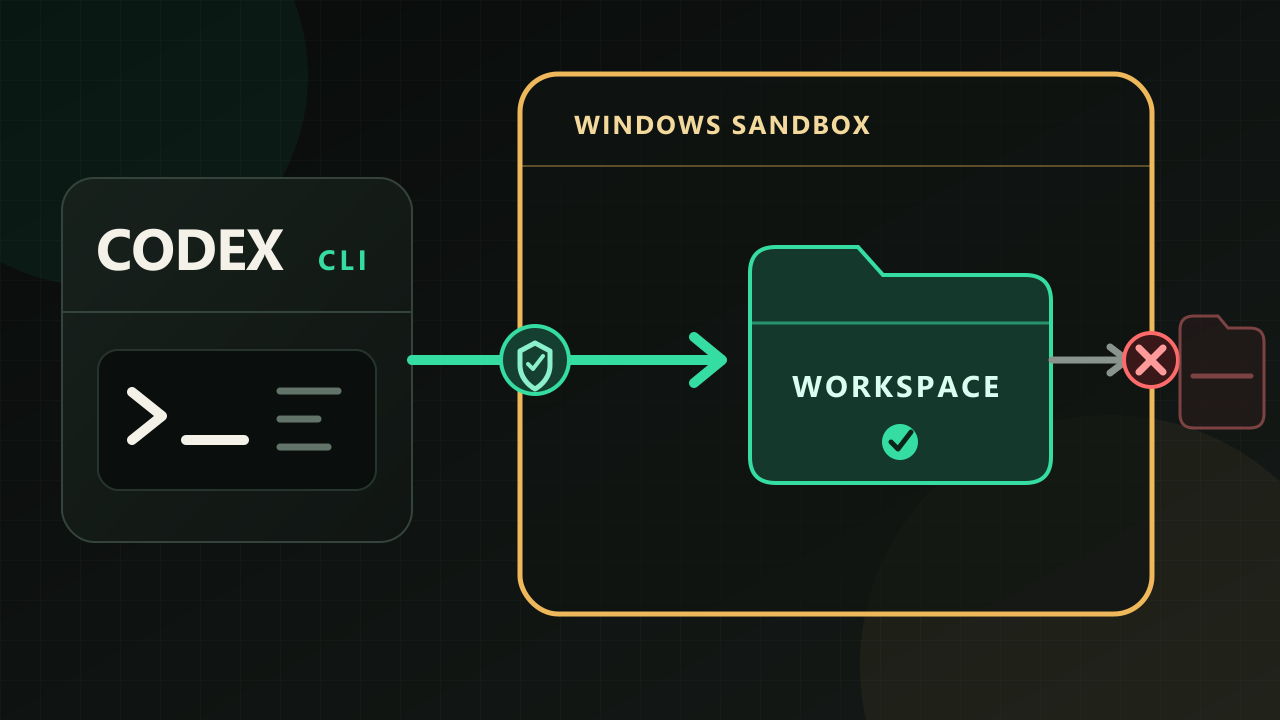
The first is how far Codex can reach — the fence it can move within. That is sandbox_mode.
The second is when Codex stops and asks. That is approval_policy.
| Item | What it controls | Common values |
|---|---|---|
sandbox_mode | File and network access boundary | read-only · workspace-write · danger-full-access |
approval_policy | When approval is needed | untrusted · on-request · never |
Note — whether a person or an automatic reviewer handles approval requests is set by approvals_reviewer (default user). It is not a /permissions preset or a flag; you enable it in config.toml, and it only applies when approval_policy is on-request.
When you only want a plan
For a new repository or a larger task, it's often useful to see the plan before handing off edits.
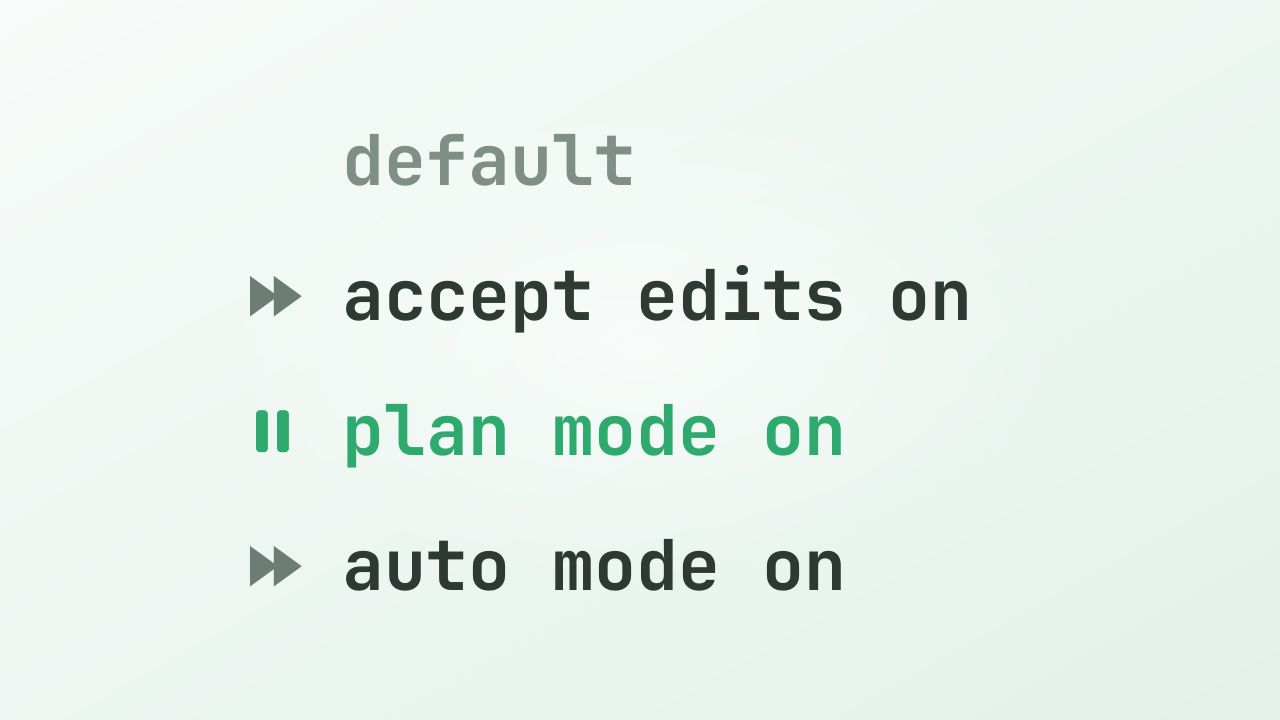
In the CLI, use /plan. Codex reads context, asks questions when needed, and writes a plan before implementation. The docs describe Plan mode as a planning step before implementation.
In the IDE, Chat serves the same purpose. The docs describe it as the mode to use when you only want to chat or want a plan before changes.
| Situation | Starting point |
|---|---|
| The scope is still unclear | /plan |
| The work may touch several files | /plan |
| I want an explanation or options first | read-only or IDE Chat |
Once the plan looks right, choose the execution permissions. Keeping planning and execution separate makes it easier to adjust direction early.
When Codex only needs to read
If the task only needs file reading, read-only is enough.
For example:
| Task | Permission |
|---|---|
| Explain repository structure | read-only |
| Summarize meeting notes or documents | read-only |
| Inspect logs or config and list likely causes | read-only |
| Prepare a plan before changing files | read-only or /plan |
In the CLI, you can start that way:
codex --sandbox read-only --ask-for-approval on-request
For reading-only work, this setting is enough. Codex can inspect the files it needs and explain what it found, while edits remain a separate step.
When editing inside the workspace
For ordinary local work, workspace-write + on-request is close to the default choice.
In the CLI, that looks like this:
codex --sandbox workspace-write --ask-for-approval on-request
With that combination, Codex can read files, edit files, and run routine local commands inside the working directory. If it needs to edit outside the workspace or run a command that requires network access, it asks for approval.
The docs describe the Auto preset with this combination. Routine work inside the workspace can proceed, while boundary-crossing actions are checked once.
When running repeated work
For scripts and automation, codex exec is the main entry point.
According to the docs, codex exec starts in a read-only sandbox by default. For automation, it's easier to manage when you specify only the permissions the workflow needs.
For repeated work that needs file edits, you might start with:
codex exec --sandbox workspace-write "..."
If automation needs access outside the workspace, you can widen the sandbox scope. Since automation usually runs while a person is not watching every prompt, keeping the workspace and network boundary narrow makes the run easier to reason about.
Even when using approval_policy = "never", the sandbox is still a separate choice. Reducing approval prompts and widening access are separate settings.
When using wider permissions in isolation
danger-full-access and the IDE's Agent (Full Access) are for cases where you want to hand off more of the environment.
In the official docs, full access is described as using sandbox_mode = "danger-full-access" together with approval_policy = "never". The IDE docs describe Agent (Full Access) as the mode for letting Codex read files, edit, run commands, and use network access without approval, with a caution to use it carefully.
This mode fits isolated environments — places you can throw away if something breaks.
CI runners.
Containers.
Throwaway VMs.
Disposable experiment worktrees.
In those places, the blast radius is easier to understand. If all you need is one extra folder on your regular machine, --add-dir (which opens just one more writable folder) or writable roots is a narrower choice than full access.
How I choose
| Situation | Usual starting point |
|---|---|
| Explanation, summary, or plan only | /plan, read-only, IDE Chat |
| Read files only | read-only |
| Edit files in the current project | workspace-write + on-request |
| Run repeated work from a script | codex exec + the least sandbox needed |
| Use network and outside-folder access without prompts | danger-full-access or Agent (Full Access) in an isolated environment |
The same frame works outside code.
Reading and summarizing meeting notes: read-only.
Editing a report draft in the current folder: workspace-write + on-request.
Generating the same report every day: codex exec with the smallest permission set that works.
Once the task is clear, the permission choice usually follows.
What I directly checked
The CLI I directly checked for this piece was codex-cli 0.142.4. I checked it on July 1, 2026 KST.
In codex --help, --sandbox showed three values:
read-onlyworkspace-writedanger-full-access
--ask-for-approval showed four values:
untrustedon-failureon-requestnever
Both the docs and help text mark on-failure as deprecated. For new choices, the docs point to on-request for interactive runs and never for non-interactive runs.
codex exec --help showed --sandbox directly. It did not show --ask-for-approval inside the exec help text, but codex -a never exec --help was accepted when the approval flag was passed in the parent global-flag position.
The app and IDE descriptions here are based on the official docs. I didn't directly open the Agent, Chat, Agent (Full Access), permissions selector, or Local/Worktree/Cloud screens for this article.
Set only what the task needs
Codex permission modes work better as a short checklist than as a list to memorize.
Choose the task first.
Plan first.
Read only.
Edit inside the workspace.
Run repeated automation.
Use wider permissions in an isolated environment.
Then set sandbox and approval only as broadly as the task requires.
In one line:
Choose the task first, then set only the permissions it needs.
Sources
- OpenAI Codex: Best practices
- OpenAI Codex: Agent approvals & security
- OpenAI Codex: Sandbox
- OpenAI Codex: Slash commands in Codex CLI
- OpenAI Codex: Command line options
- OpenAI Codex: Codex IDE extension features
- OpenAI Codex: Codex app features
- OpenAI Codex: Non-interactive mode
- OpenAI Codex: Auto-review
codex --version,codex --help,codex exec --help— direct observation /codex-cli 0.142.4