Claude Code usually answers the same way — like a software engineer: you ask, it hands you code and keeps the explanation short.
But depending on the work, you sometimes want a different style of answer. On some tasks you'd like it to explain why it wrote the code that way; on others you'd rather it leave the key part blank so you can write it yourself. And work that isn't coding sometimes calls for a different role altogether.
Instead of asking for that every time, you can change how it answers in the first place. That's what output styles are.
What output styles are
Output styles change how Claude responds, not what it knows. The official docs define it in one sentence.
Output styles change how Claude responds, not what Claude knows. They modify the system prompt to set role, tone, and output format.
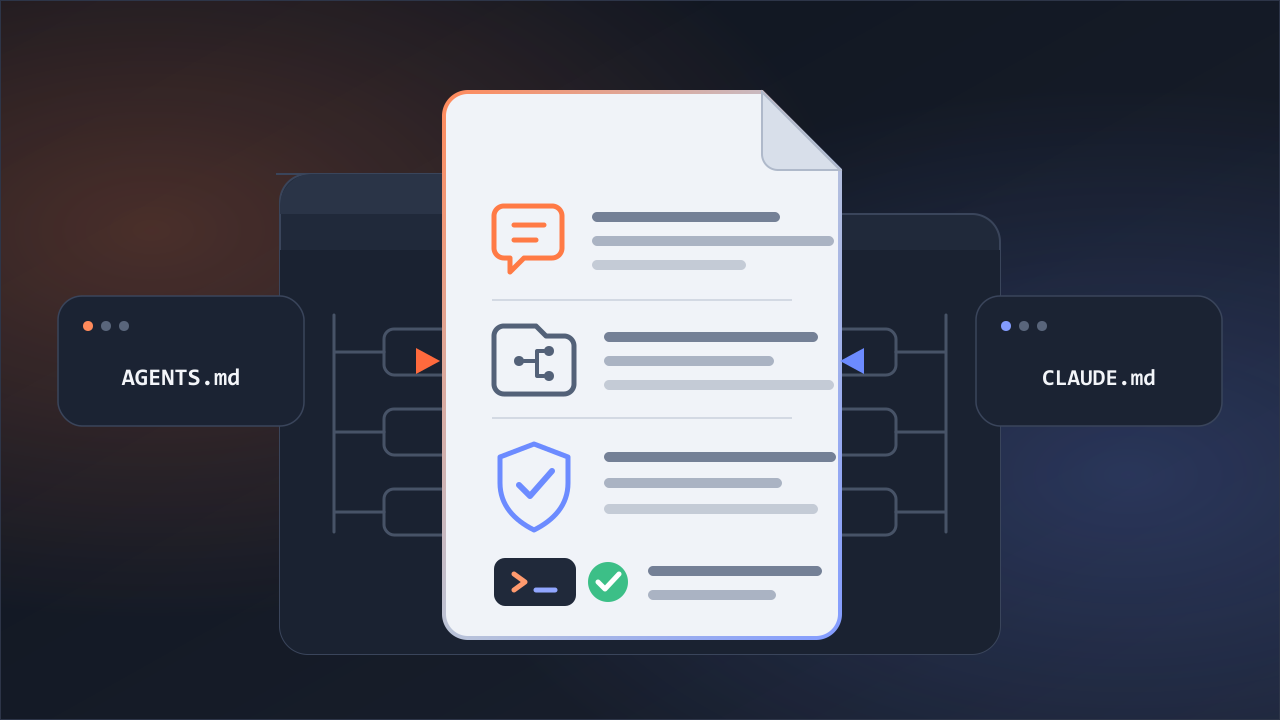
The key is that it changes the system prompt itself. That's what sets it apart from the similar-looking CLAUDE.md — CLAUDE.md adds a user message after the system prompt, while an output style changes the system prompt itself. The docs draw the same line between the two.
The four built-in styles
Claude Code ships with four output styles. Default is the baseline; the rest you have to pick.
- Default — the baseline: the usual tone, tuned to get software work done efficiently.
- Proactive — leans toward acting first and asking less. It makes reasonable assumptions on routine decisions and prefers action over planning. The docs describe it as pushing ahead more actively than usual. Even so, it doesn't run everything without checking — you still get an approval prompt before a tool runs.
- Explanatory — drops explanations in as it works.
- Learning — goes a step further: it hands part of the code to you to fill in yourself.
The last two are the heart of this piece, so I'll look at each on its own.
Adding explanations — Explanatory
With Explanatory on, I gave it a task, and partway through or at the end a small "Insight" box appeared (on screen it has a star in front). It walks through things like why it did things in that order, or why it implemented it that way.
That matches what the docs say.
Explanatory: Provides educational "Insights" in between helping you complete software engineering tasks. Helps you understand implementation choices and codebase patterns.
It does the work as usual, then adds a short note on why it did it that way. Good for when you want to see the why alongside the result.
Having it teach you — Learning
Learning goes one step further. Let's start with the docs.
Learning: Collaborative, learn-by-doing mode where Claude will not only share "Insights" while coding, but also ask you to contribute small, strategic pieces of code yourself. Claude Code will add
TODO(human)markers in your code for you to implement.
I tried it. In a project that already had code, I made the kind of simple request you'd make any day — I asked the sign-up function to "add an email-format check, and block the registration if it's invalid."
Claude didn't write the whole thing outright. Instead it added a new function to check the format (is_valid_email), wired the sign-up function to call it and block on failure, and then stopped — leaving the one line that actually decides whether the format is valid blank, like this:
# TODO(human): implement the email-format check
Then it stepped back: "the blocking part is done; what's left empty is the part that decides what to let through and what to stop — and that's yours to fill in." It even laid out how I might approach it (a simple string check versus a regular expression, and edge cases like an empty value or more than one @). For a moment, the keyboard was in my hands.
It didn't do this every time. For a trivial one-line request it just wrote the whole thing; it only left a TODO(human) when there was a key piece worth working out for yourself, like here. Fitting for a mode built around learning — it hands off only when there's something worth handing off.
Changing the role itself — custom styles
So far that's been picking one of the built-in styles, but you can also make your own. A custom output style is a single Markdown file — metadata at the top, then "answer like this" written below.
One field matters here: keep-coding-instructions.
Set
keep-coding-instructions: trueif you're changing how Claude communicates but still want it coding the same way. Leave it out if Claude won't be doing software engineering.
Leave this field out (the default) and the instructions that turned Claude into a software engineer fall away entirely. So you can hand it a role other than coding.
I tried it. I made a custom style that just said "writing assistant," turned it on, and asked it to tighten a sentence that had nothing to do with code — and with no mention of code at all, it shortened the sentence and added a one-line note on why. The usual engineer tone was gone.
If you're not a developer, this is probably the part that matters most to you. You don't have to use Claude Code only for coding — the docs' own examples are "a writing assistant or data analyst." The same mechanism that changes how it answers changes the role, too.
(A custom style can live in three places — just for you, just for this project, or enforced by org policy. I'll save that for another piece if I get the chance.)
How to switch
There are two ways.
One, open /config and pick under Output style. Your choice is written to .claude/settings.local.json (at the local project level).
Two, you can write that setting directly.
{ "outputStyle": "Explanatory" }
One caveat. There used to be a standalone /output-style command; it's gone now. It was deprecated in v2.1.73 and removed in v2.1.91. Don't follow an old post and type /output-style — use /config or the setting above.
Another caveat. An output style is part of the system prompt, which Claude Code reads once, at the start of a session. So changing it mid-session doesn't take effect right away — you have to /clear or open a new session, and from then on it answers in the new style.
Output style is part of the system prompt, which Claude Code reads once at session start. Changes take effect after
/clearor a new session.
(One more thing. Explanatory and Learning produce longer responses than Default — and use more tokens for it.)
At a glance
| Style | How the answer changes | When |
|---|---|---|
| Default | the usual engineer tone | ordinary coding |
| Proactive | acts first, asks less (you still get prompts) | pushing ahead with less hand-holding |
| Explanatory | an "Insight" box is added to the answer | when you want to see the why |
| Learning | hands off the key line as TODO(human) | when you want to learn by writing |
| custom | the role itself changes (e.g., writing assistant) | non-coding work, or pinning a format |
In short, output styles are a knob for choosing how Claude answers, not what it does. Want more explanation? Explanatory. Want to learn by writing it yourself? Learning. Working outside coding? A custom style.
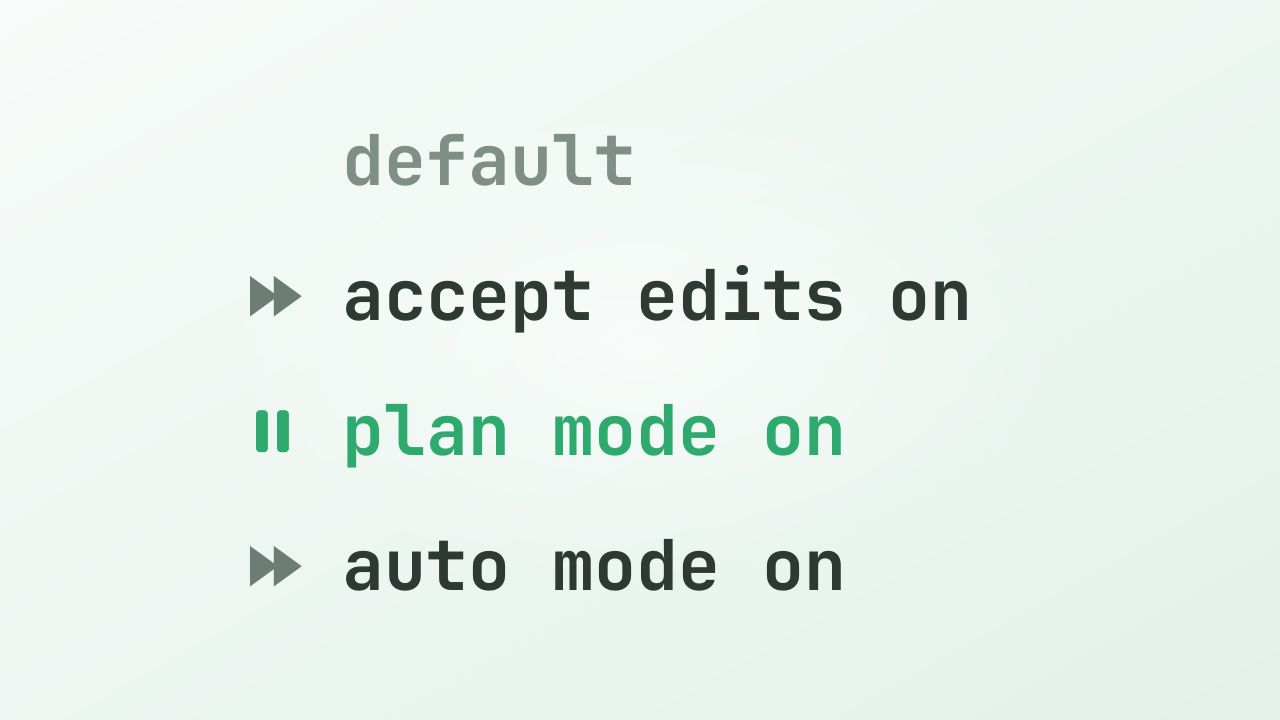
Once you've settled how it answers, the next question is usually how much to hand off. That's a matter of permission modes, which I covered separately in another piece.
Sources
- Anthropic Claude Code: Output styles
- Anthropic Claude Code: Commands
- Direct observation — claude 2.1.195 (Explanatory, Learning, and a custom style), 2026-06-29