I assumed that leaving ultracode on could only help.
It's the highest step on the /effort dial, after all. Everything should come out better — that's what I figured, and for a while I ran almost every task at this level.
Half of that was right. When I handed an entire pre-publication review to it, it caught a formatting error I'd missed. Half was wrong. Fixing one function, asking a short question — those just took more time and tokens, with nothing better to show for it.
I tend to use it only when I need it, by typing ultracode into my prompt. Why that's the better way is what the rest of this piece explains.
(The ultracode here is a Claude Code setting. What it takes to turn it on, and the versions, are at the bottom.)
It's not a deeper-thinking step
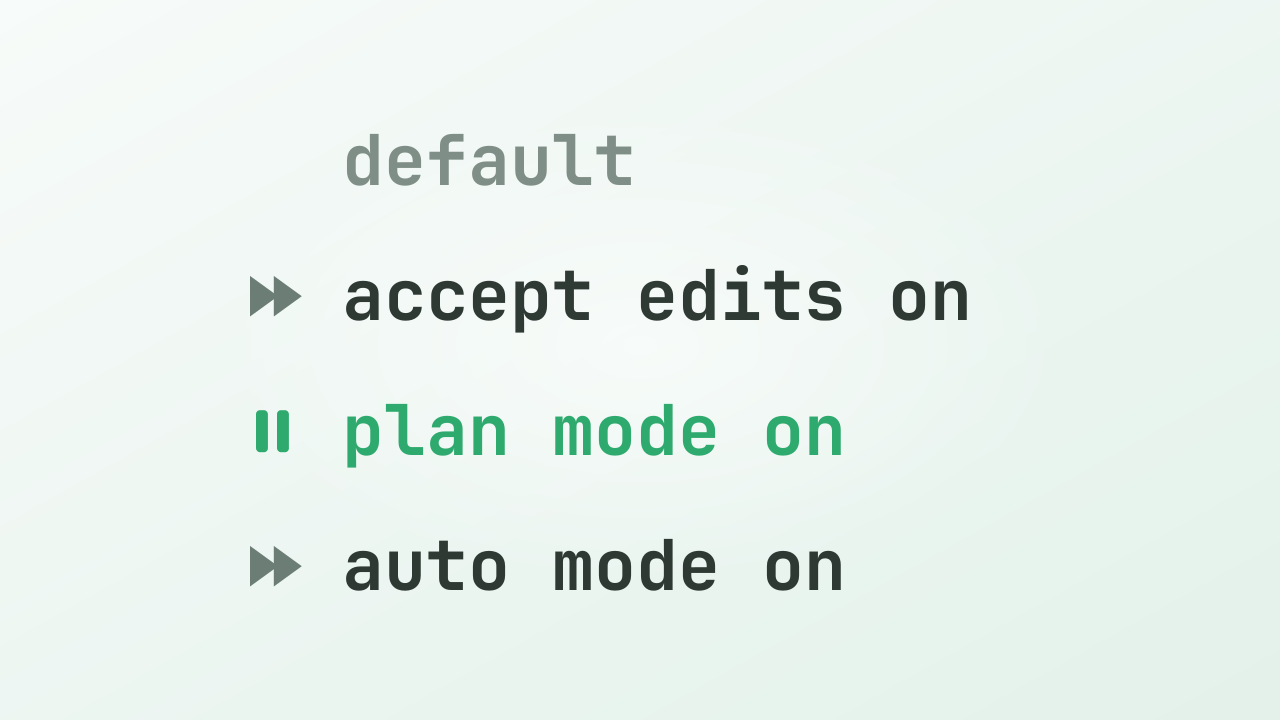
One misunderstanding to clear up first. Since ultracode sits at the top of the /effort dial, you'd expect its reasoning to be the deepest too — it isn't. ultracode's reasoning is at the xhigh level, and in reasoning depth alone, max goes deeper. ultracode isn't at the top because it thinks harder. It's xhigh reasoning with workflow orchestration added on top.
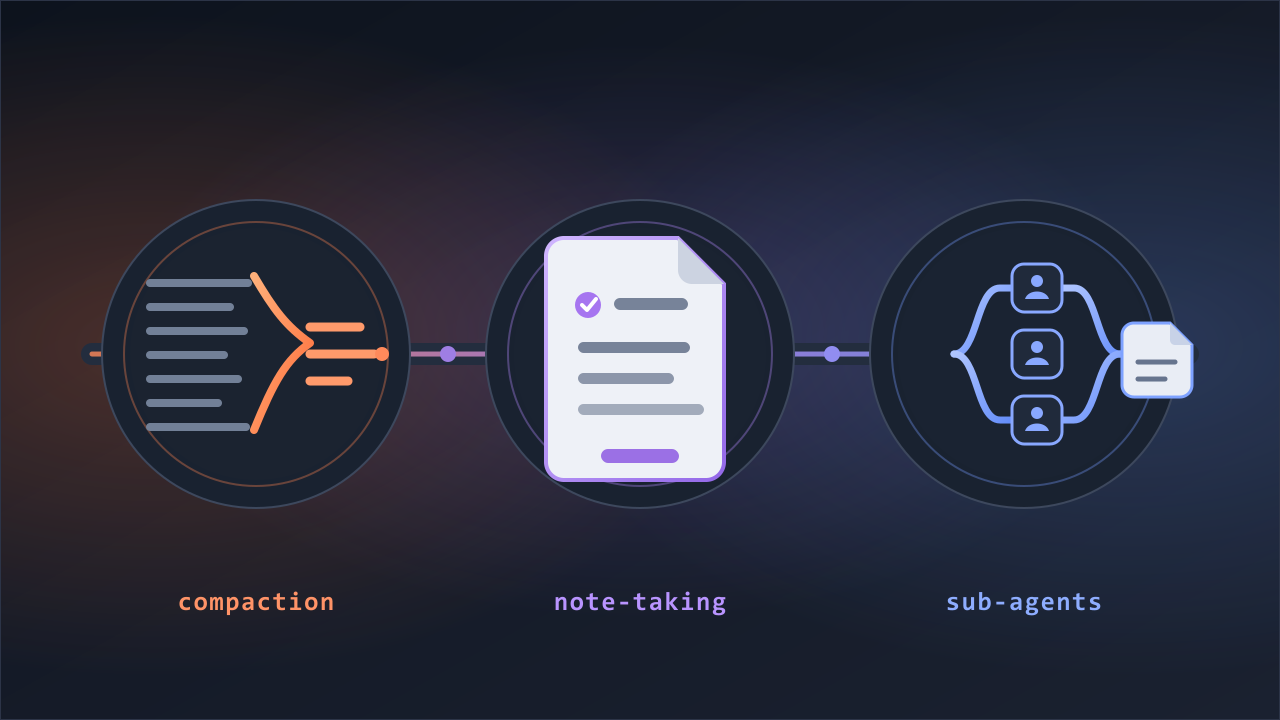
Normally, Claude carries a task alone from start to finish. Turn ultracode on and that changes. For a big task, instead of answering directly, it writes a script to run the job. That script then spawns several subagents in the background and hands out the work. Here's the official definition.
A dynamic workflow is a JavaScript script that orchestrates subagents at scale. Claude writes the script for the task you describe, and a runtime executes it in the background while your session stays responsive.
This is the feature the docs call a dynamic workflow. ultracode is the switch that has Claude use it on its own for the whole session — with it on, Claude plans a workflow for every substantial task without being asked.
The script isn't a fixed pipeline. Who does what, and how the results get combined, is worked out fresh each time to fit the task. And the heart of the design is less "many agents split the work" than "many agents check each other."
it can have independent agents adversarially review each other's findings before they're reported ... so you get a more trustworthy result than a single pass.
Drawbacks
It's expensive. A workflow runs for every substantial task, so token use goes up accordingly. A single request can even turn into several workflows — one to understand the code, one to change it, one to verify it.
Answers take longer. With several agents working through stages, it takes longer than answering in one pass. For big work the wait is worth it, but with the whole session switched on, even a short question can take more time than it needs to.
You can't redirect it mid-run. The subagents run in the background, so once it starts there's no stepping in with "no, not that."
No mid-run user input — Only agent permission prompts can pause a run.
That's one line from the docs' constraints table. While it runs, all I can do is pause or stop it from the /workflows view. The only time it stops to ask on its own is at a permission prompt, for an action that needs approval. So when you hand a task to a workflow, you put everything you want up front. It's not a conversation you steer along the way; it's an order you place once. If you need a check between stages, the docs' advice is to run each stage as its own workflow.
What kind of work it suits
Group the docs' example prompts and you get five patterns. Claude writes the script, so all you need to say is what you want.
Fan-out — the same check across many items. It puts an agent on each item, sweeps them all at once, has the findings checked against each other, then collects them. It doesn't have to be code — going through 200 documents in a folder one by one to flag the expired entries is fan-out all the same.
use a workflow to audit every route handler under src/routes/ for missing authentication checks, and cross-check each finding before reporting it
Pipeline — each item through several stages. Each item passes through a set sequence of steps, and each is changed in an isolated copy so the edits don't collide. Think of putting a stack of manuscripts through spell-check, then formatting, then a final read.
use a workflow to migrate every component under src/components/ from styled-components to Tailwind, working on each file in its own isolated copy
Loop until a condition holds. It runs a check, fixes what failed, and repeats until the check passes or stops making progress. The same pattern also keeps sweeping until nothing is left to fix.
use a workflow to run npx tsc --noEmit and keep fixing the reported errors until the type check passes or two rounds in a row make no progress
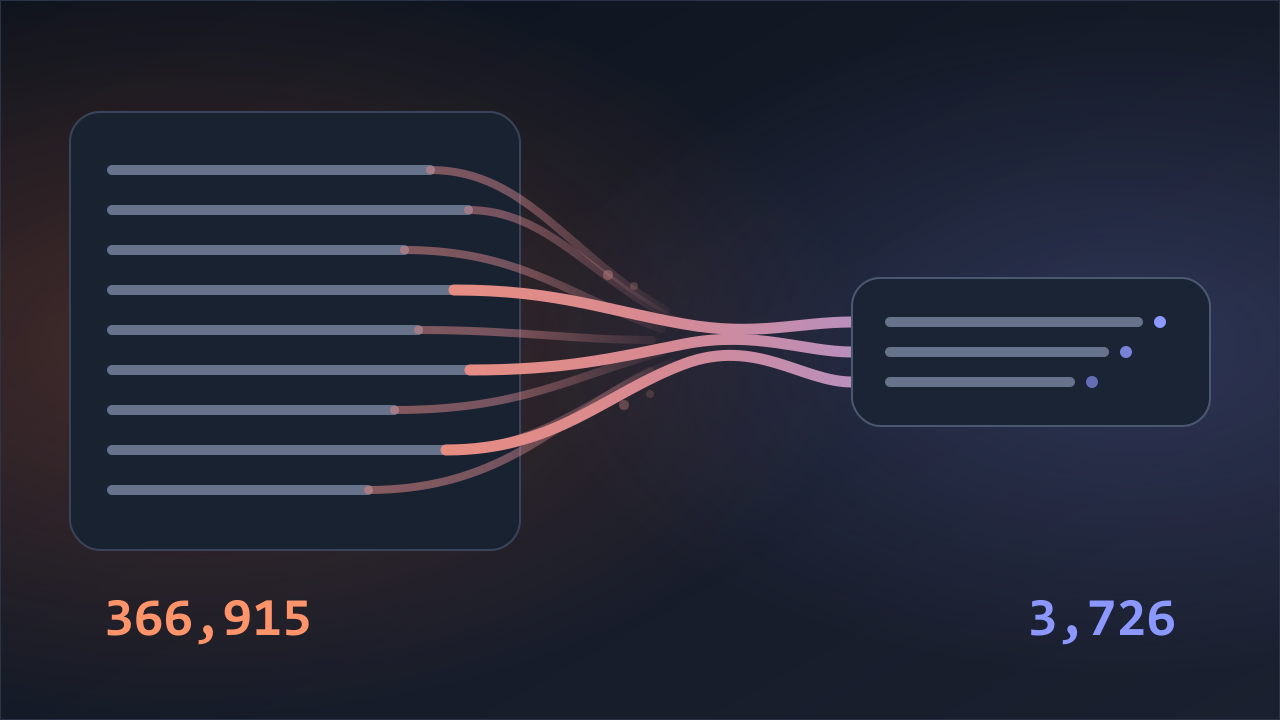
Gather into one. It puts a reviewer on each item, then hands all the results to one agent that ranks them and strips out duplicates down to a single page. Splitting hundreds of survey responses among readers and boiling them down to one page is this pattern too.
use a workflow to review every file changed in this PR file by file, then merge the results into one ranked summary with duplicates removed
Draft from several angles, then judge. It sets the same problem up several ways from independent angles, weighs them against each other, and picks the best. My feeling is it's more useful for planning, writing, and decisions than for code.
For research there's a built-in command that carries this pattern as-is. /deep-research <question> reads many sources in parallel, cross-checks them, and returns a report with sources attached. This one command runs without turning ultracode on, which makes it the easiest way to get a feel for it. Dynamic workflows still have to be on (see Setup below), and the web search tool is needed too.
A flow you like can be saved as a /name command and called again next time, exactly as it was. Open a saved script and the skeleton is short JavaScript — agent() runs one subagent, and pipeline() runs one subagent per item in a list.
Three questions to ask
Is it bigger than one conversation can hold? Does the same check repeat across many items? Do the results need checking against each other?
If any one is a yes, it's a workflow; otherwise, a conversation. Large-scale code changes, research that reads competitors' pricing side by side, sweeping hundreds of documents for expired entries — they all pass. A pre-publication review passes for the same reason: it splits one piece into many items and repeats the same check.
The other side is just as clear. Fixing one function, chasing one bug, polishing one email, work you steer by talking as you go. There's nothing to split, and you only lose the ability to step in midway. Those are better as a plain conversation.
The docs add one more test: even a small task belongs on the workflow side if it's a sequence you'll save and run again.
The standard way: a single-shot trigger
If work that passes the three questions comes up only now and then, there's no need to change the whole session. Include the word ultracode in your prompt and just that one request runs as a workflow. Ordinary phrasing like "use a workflow" works too. The session's effort stays where it was.
To run a single task as a workflow without changing the session's effort level, include the keyword ultracode in your prompt.
Turning the whole session on with /effort ultracode is only for days when most of your work passes those three questions. The docs don't rank the two ways of turning it on — calling the single shot the standard way is my conclusion. On an ordinary day that mixes coding, chores, and short questions, leaving it on for the whole session just repeats the mistake I made at first.
To get a feel for the cost, it's worth trying a small task first. While it runs, open /workflows and you can see which stage it's on, how many agents are attached, and how many tokens they're using. Runaways are capped — at most 16 agents at once (fewer on machines with fewer CPU cores), and 1,000 total per run.
Back on routine work, you can drop down with /effort high (or whichever level you like). ultracode is session-only, so a new session clears it on its own.
Setup — requirements and versions
- You pick ultracode from the
/effortmenu. The slot only shows up on models that supportxhigh. - Dynamic workflows have to be on first. They're available on all paid plans (the docs also list API and cloud-platform routes), and on Pro you turn them on yourself from the 'Dynamic workflows' row in
/config. With workflows off, ultracode disappears from the menu and the keyword stops working. - Dynamic workflows run on v2.1.154 or later (introduced as a research preview in May 2026). The single-shot trigger settled on the word ultracode as of v2.1.160 — before that it was workflow, and natural-language requests work in both versions.
- Workflows inherit your session's allowlist. Shell commands, web fetches, and external tools (MCP) outside the allowlist still ask for approval mid-run.
- I checked the facts here against the official docs and claude 2.1.201 (July 6, 2026).
Sources
- Anthropic Claude Code: Orchestrate subagents at scale with dynamic workflows
- Anthropic Claude Code: Model configuration — Adjust effort level
- Anthropic Claude Code: Commands
- Anthropic Claude Code: What's New — Week 22