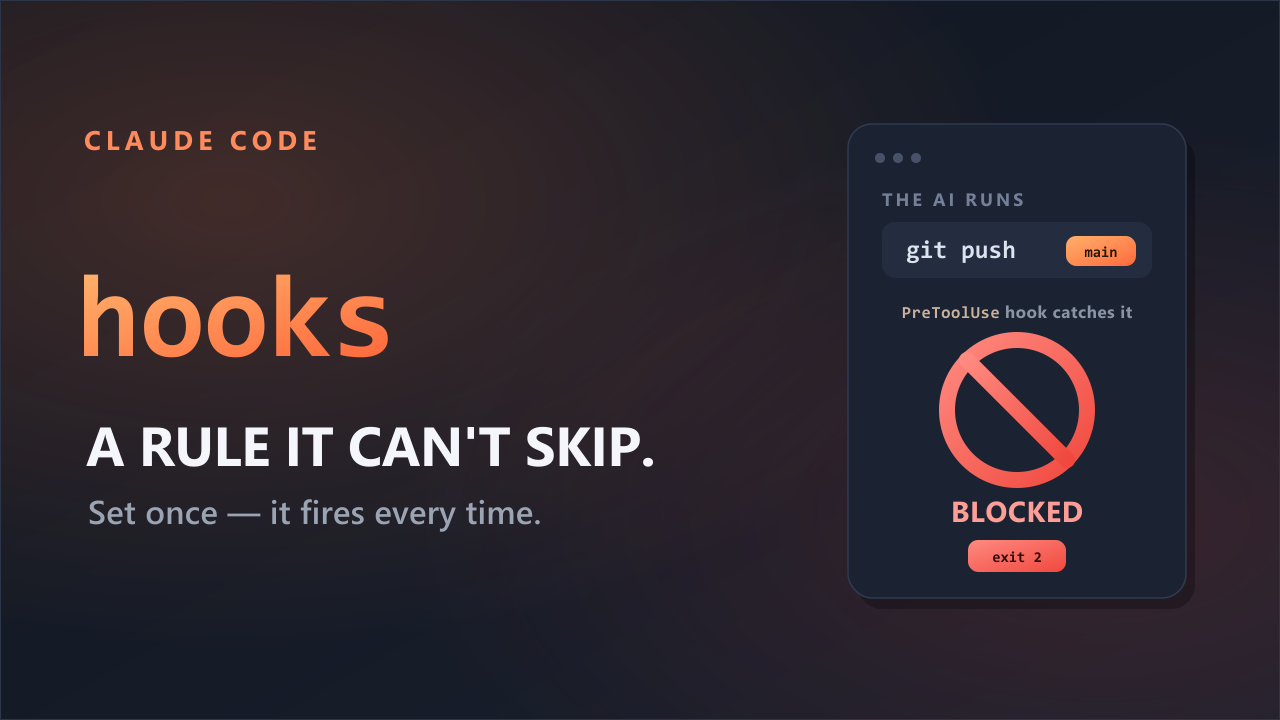
I wanted a small alert every time Claude Code finished a response. So I had it make a hook.
Make a hook that plays a notification sound when you finish a response.
I started with that simple request. Claude Code set a Windows notification sound to play on the Stop event—the point when it finishes responding. It first asked whether the hook should apply to every project or only the one I had open. Once the setting was in place, the sound played at the end of every response. I still use it now.
The official documentation says you can describe what you want in the CLI and ask Claude to write the hook. Before worrying about the rules, decide what you want the hook to do.
You can also ask Claude to write the hook for you by describing what you want in the CLI.
What writing it by hand looks like
For comparison, the notification hook would look roughly like this if you wrote it into the settings file yourself. The command that makes the sound varies by operating system, so only the core structure is shown here.
{
  "hooks": {
    "Stop": [
      {
        "hooks": [
          { "type": "command", "command": "..." }
        ]
      }
    ]
  }
}
There is more to know than it first appears. You need to know that the end of a response is called Stop, where the command belongs in that JSON structure, and which command can make a sound on your computer.
Describe the result to Claude Code and it can handle those technical choices. On my Windows machine, Claude Code supplied the command to play the sound too. The command may differ on another operating system, so ask to see what it plans to run before accepting it.
Five details that help it work the first time
The short request I started with was enough to make the hook. To reduce back-and-forth and get the result you expect, include these five details.
| Tell it | For this notification hook |
|---|---|
| When | When Claude Code finishes a response |
| Condition | Every time (optional) |
| What | Play a notification sound |
| Scope | This project only |
| How to verify | Show the file and command, then play the sound once |
Put together, the request looks like this:
Make a hook that plays a notification sound every time Claude Code finishes a response. Add it only to this project. Before writing the setting, show me which file you will change and which command you will run. Then test it once to make sure the sound plays.
You do not need to know which settings file (.claude/settings.json) to edit. State when, where, and what should happen; Claude Code fills in the rest.
“When it's done” is not as precise as “after every response”
It is natural to say, “Let me know when all the work is done.” But there is a catch.
Claude Code's Stop event does not run only once at the end of one large task. It runs at the end of every Claude Code response.
My notification hook goes off after every response too. If that is what you want, say “after every response.” If you only want an alert when Claude Code is waiting for your approval, describe that situation instead. A small change in wording can change how Claude Code configures the hook.
Three checks after Claude Code makes the hook
Do not skip verification just because the hook was easy to request. A hook runs a real command on your computer.
1. Read the command
Ask Claude Code to show the command before it saves the setting, then read it once. Even for a simple notification, check that it is not launching an unrelated program or sending an unexpected file somewhere.
2. Check registration with /hooks
Enter /hooks in the terminal to see the hooks currently registered, grouped by event. This is a read-only screen for checking them; it does not create or edit hooks.
3. Trigger it once
Ask a simple question so Claude Code gives a short response, then listen for the sound yourself. Seeing the hook in the list does not guarantee that you will hear it. Claude Code can run the command, but it cannot tell whether the sound actually came through correctly on your machine.
Use another prompt to edit or remove it
To change the sound later, say, “Replace the current notification sound with a different one.” To use the hook in other projects, say, “Move this notification hook to my user settings.”
Removing it is just as direct.
Remove only the notification hook you just made. Do not touch my other hooks.
For a more complicated hook, build and test one condition at a time instead of specifying everything at once.
This is the only formula you need to start:
When [event happens], if [condition], [do this]. Apply it to [scope], then verify it by [test].
Sources
- Anthropic Claude Code: Get started with hooks
- Anthropic Claude Code: Hooks reference