Codex and Claude Code can read your project's code, but code alone does not capture every intention or project rule.
You still need to explain what the project is for, which files must not be changed, how the tools should communicate, and what they must check before finishing a task. AGENTS.md and CLAUDE.md let you write those instructions down once instead of repeating them in every session.
Together, these files tell each tool which standards to follow when working on the project.
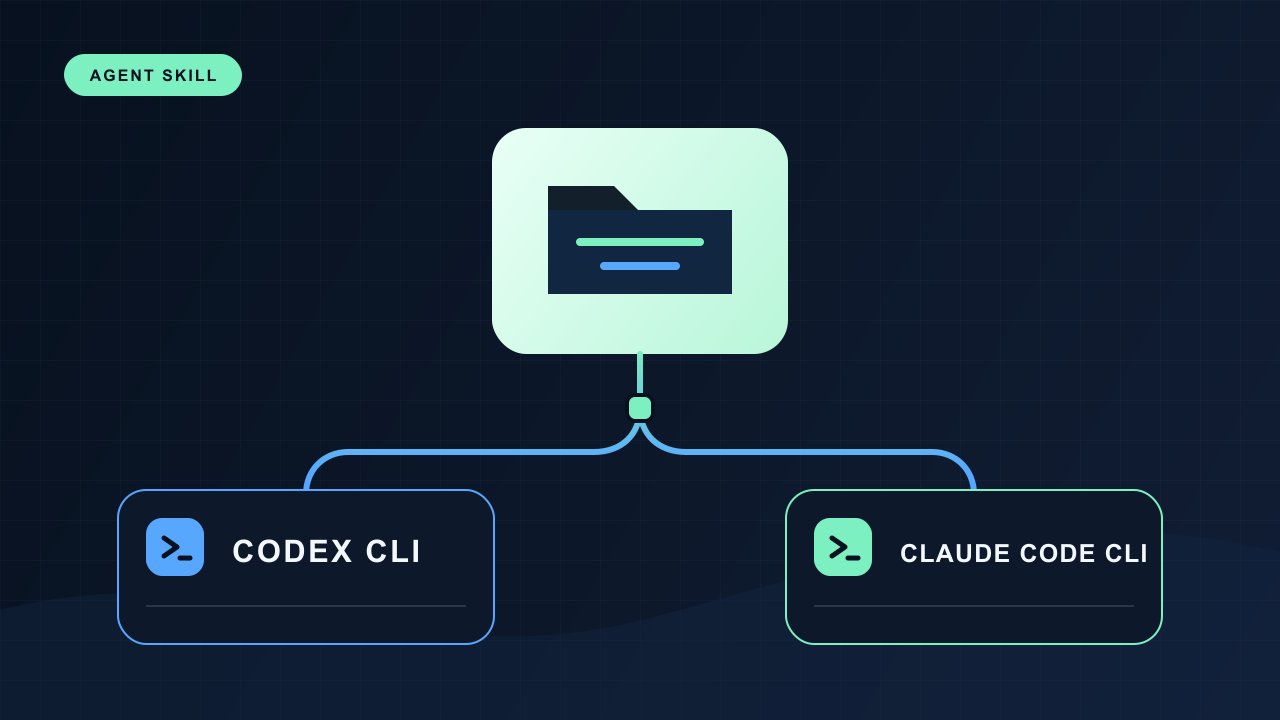
Codex Reads AGENTS.md; Claude Code Reads CLAUDE.md
| Tool | Default instruction file |
|---|---|
| Codex | AGENTS.md |
| Claude Code | CLAUDE.md |
When the appropriate instruction file is in the project folder, each tool reads it when it starts working and follows those instructions throughout the task. Instructions can cover:
- Roles and response style
- The project's purpose and structure
- Rules and constraints that must be followed
- Working procedures such as build and test commands
- Completion criteria
For example, a note-taking CLI that runs only on your computer could start with instructions like these:
## Role and response style

- Explain things so that junior developers can understand them.
- Write every response in Korean.

## Project

- This is a local note-taking CLI written in TypeScript.
- Do not connect to external servers or use the network.

## Commands

- Build: `npm run build`
- Test: `npm test`
- Type-check: `npm run typecheck`

## Completion criteria

- Run the relevant tests and `npm run typecheck` before reporting the work as complete.
A statement such as “organize the code appropriately” leaves room for interpretation. A verifiable instruction such as “run npm run typecheck after making changes” works better.
Separate Current Tasks from Lasting Rules
An instruction file is not a to-do list.
“Add a search feature” is a task to perform now. “When adding a new command, update the help text and tests as well” is a rule that applies to future work. Keep current tasks in the conversation or work plan, and reserve the instruction file for rules that carry across multiple tasks.
Without that distinction, completed tasks remain in the instructions while important rules get buried among outdated to-do items.
/init Creates the First Draft
When you run /init in Codex or Claude Code, the tool examines the current project and helps create a first draft of its instruction file.
- Codex:
AGENTS.md - Claude Code:
CLAUDE.md
The draft produced by /init is not a finished set of instructions. It may combine commands and structure found in the project with general development conventions. Review it instead of using it unchanged. Check whether:
- Commands and paths match the actual project
- The listed rules reflect decisions your team has actually made
- Any coding style or workflow it added reflects an actual team decision
Keep recommendations that are not grounded in the project only if your team has explicitly chosen to adopt them. Remove the rest.
Keep Instructions Short and in Sync with the Project
If you add a sentence every time a new decision is made, the instruction file quickly fills with outdated rules and exceptions. Before adding anything, check whether it overlaps with an existing instruction. Delete or replace rules that no longer apply.
You usually need /init only for the first draft. After that, ask the tool to compare the current project with the existing instructions and propose only the necessary changes.
Compare the current project with AGENTS.md and identify outdated commands, paths, and rules.
Do not edit the file yet. Show me the proposed changes first.
After reviewing the proposal, you can continue with:
Apply only the changes I approved to AGENTS.md.
Do not add new rules on your own.
You can manage CLAUDE.md the same way. A simple request to “bring it up to date” also works, but defining the scope of the update reduces the chance of unnecessary rules being added.
Good times to review your instructions include:
- When build or test commands, or important paths, change
- When project constraints or completion criteria change
- When the AI repeats the same mistake
- When an outdated rule conflicts with current instructions
Split Rules by Scope as They Grow
To start, one instruction file in the project root is usually enough. As the rules grow, you can separate instructions needed for every task from those that apply only to a specific directory.
Codex can use additional AGENTS.md files in subdirectories. Claude Code can split rules by topic or path under .claude/rules/. There is no need to build a complex structure from the start. Separate the rules only when they have actually grown enough to require it.
If you use both tools in the same project and want to maintain just one set of shared instructions, put the content in AGENTS.md and add this one line to the root CLAUDE.md:
@AGENTS.mdCodex reads AGENTS.md directly, while Claude Code loads the same file through CLAUDE.md.
Instructions and Enforcement Are Different
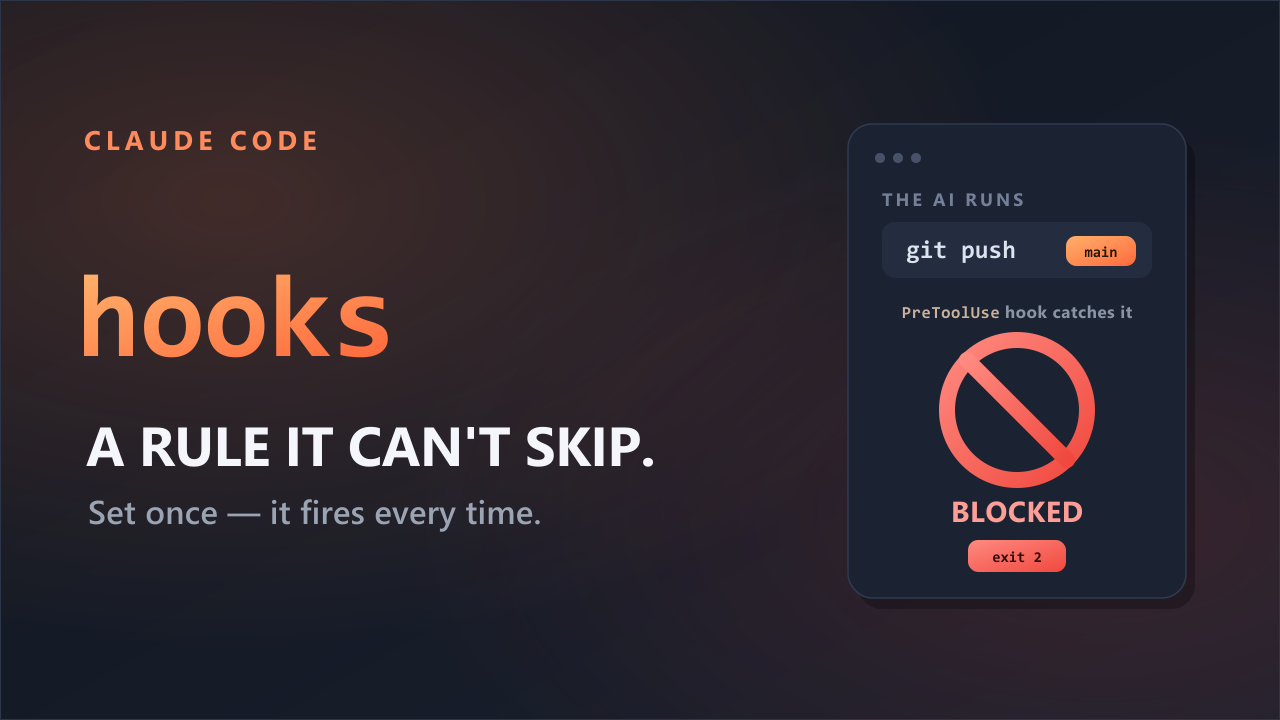
AGENTS.md and CLAUDE.md tell the AI what it should do, but they do not technically prevent prohibited actions.
Enforce required tests through CI or hooks. Use branch protection to prevent direct pushes to the main branch. Use actual permissions to restrict access to sensitive resources such as production databases.
Use instruction files to define the standards the AI should follow, and use separate safeguards to block actions that must not be allowed.
A good instruction file does not contain everything about the project. It is a short, concrete working guide that tells the AI what role to play, which rules to follow, and what to verify before declaring the work complete.
References
- OpenAI Codex: Best practices
- OpenAI Codex: Custom instructions with AGENTS.md
- Anthropic Claude Code: How Claude remembers your project
- Anthropic Claude Code: Best practices