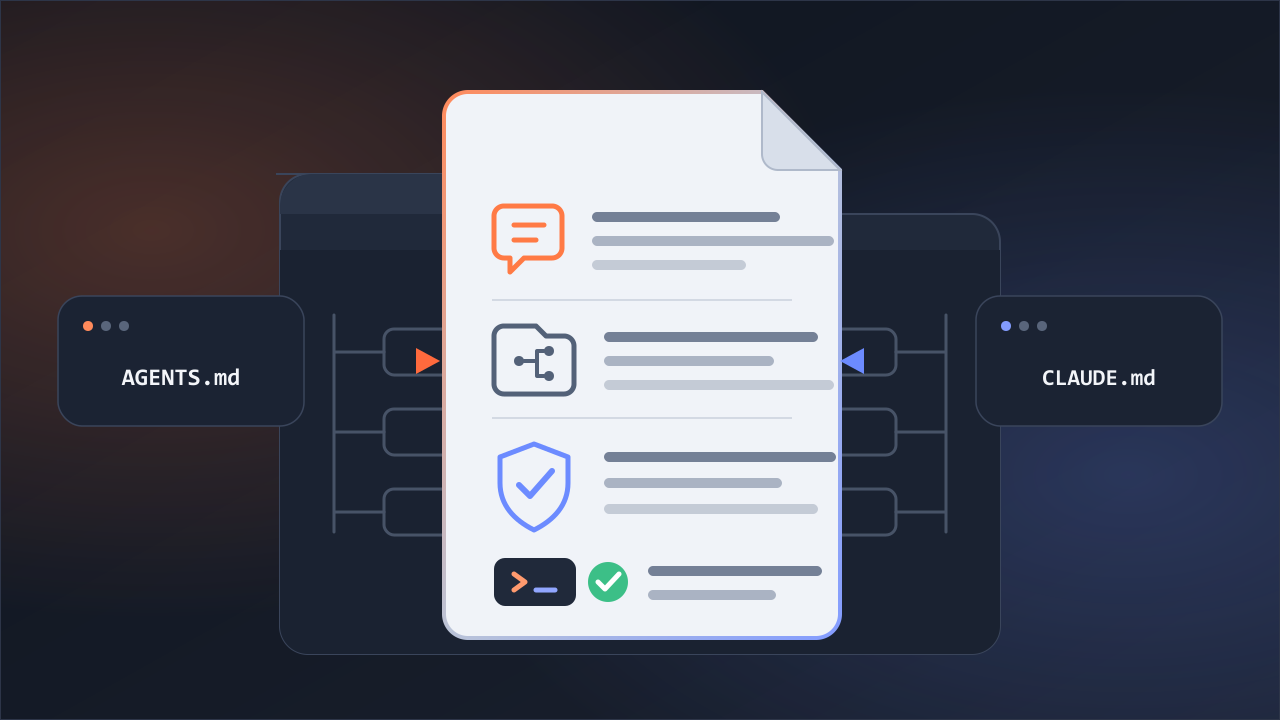
Yes. Both CLIs can use the same basic SKILL.md structure and the reference files it links to. The difference is where they look for project skills: Codex uses .agents/skills, while Claude Code uses .claude/skills. To share a single source, point the paths expected by each CLI to the same folder.
For this article, I connected the two paths with a Windows junction and tested the setup directly. The test covered a basic skill made up of name, description, instructions, and a reference file.
The Skill Format Is the Same, but the Discovery Paths Are Different
According to the official documentation, both CLIs follow the open Agent Skills standard. They use the same basic format, but they look for project skills in different locations.
To verify this, I placed the same test skill, cross-cli-probe-7f3a, in three separate Git project folders. Each skill's reference file contained a verification string that was not included in the user prompt. If a CLI returned that string, I treated it as evidence that the CLI had read both the skill and its reference file.
| Location used in the project | Codex | Claude Code |
|---|---|---|
Only .agents/skills | Read it | Did not find it |
Only .claude/skills | Did not find it | Read it |
| Both paths connected to one source | Read it | Read it |
If you place a skill in only one of the two locations, the other CLI cannot see it. You could copy the same files to both locations, but then you would need to keep the two copies in sync whenever the skill changes.
Managing a Skill from a Single Source on Windows
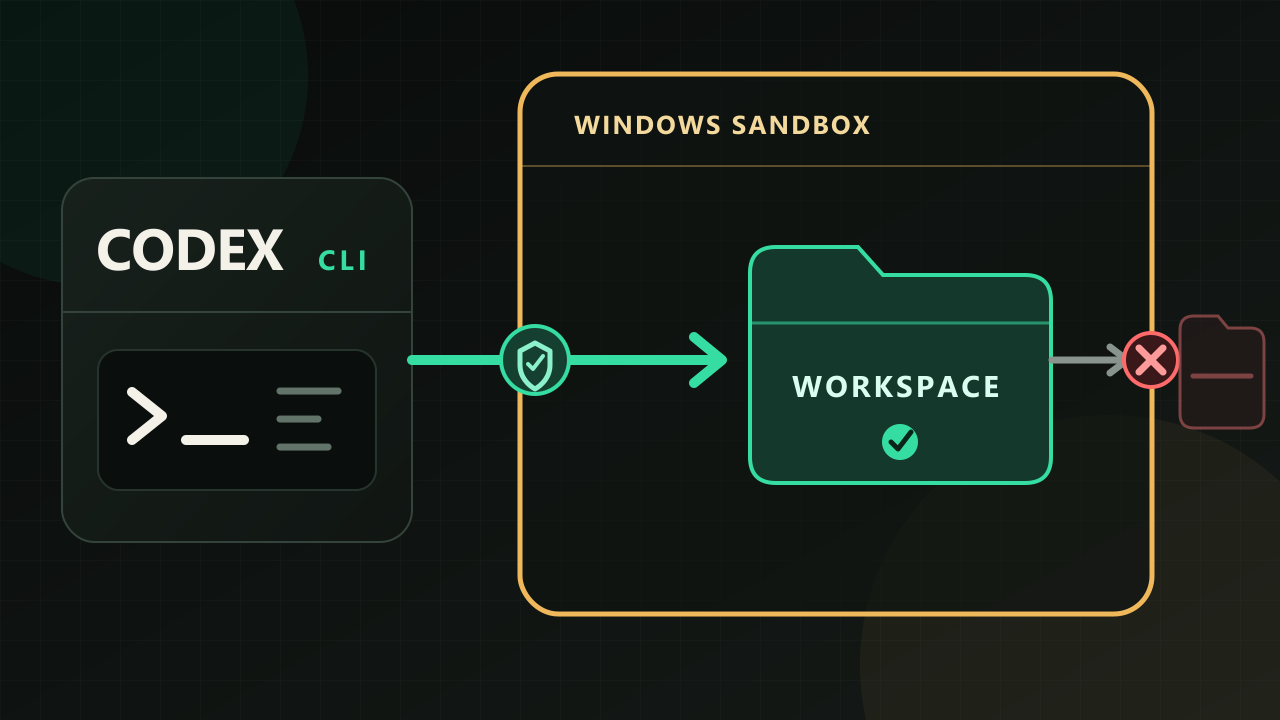
In this test, .agents/skills/<skill-name> was the source skill folder, and .claude/skills/<skill-name> was a junction pointing to that source. A junction is not a synchronization feature provided by either CLI. It is a folder-linking feature in the Windows file system.
In a real setup, replace <skill-name> with a unique name that describes the skill, such as article-review.
project-folder/
├─ .agents/skills/<skill-name>/     ← actual skill source
│  ├─ SKILL.md
│  └─ references/
│
└─ .claude/skills/<skill-name>/     ← junction to the source
Codex and Claude Code use different paths, but both ultimately read the same SKILL.md and reference files.
Asking an AI to Create the Shared Skill
Instead of creating the folders and files yourself, you can ask Codex or Claude Code to set them up. Replace <skill-name> and the task description with values that match what you want the skill to do.
Create a skill in this project that Codex CLI and Claude Code CLI can both use.

Skill name: <skill-name>
What the skill should do: <describe the task here>

Follow these requirements:

1. Use `.agents/skills/<skill-name>` as the actual skill folder.
2. In `SKILL.md`, include only the `name`, `description`, and instructions that both CLIs can understand. Do not add Codex- or Claude Code-specific frontmatter, hooks, permission settings, or execution scripts.
3. Keep reference files inside the actual skill folder and link to them with relative paths.
4. Create a Windows junction at `.claude/skills/<skill-name>` that points to the actual skill folder instead of making a copy.
5. Do not overwrite or delete existing folders or files. Report the current state first.
6. When finished, verify that both paths resolve to the same `SKILL.md` file, and explain how to invoke the skill in each CLI.
Use this prompt in a session that allows file writes and junction creation. In read-only mode, the CLI can explain the structure but cannot create the files or junction.
Invocation Syntax Differs
Even when the paths are connected, the syntax for invoking a skill directly is different in each CLI.
| CLI | How to invoke the skill |
|---|---|
| Codex CLI | $<skill-name> or select it from /skills |
| Claude Code CLI | /<skill-name> |
If the skill is named article-review, invoke it as $article-review in Codex and /article-review in Claude Code.
Both CLIs can also select a relevant skill automatically based on its description. In this test, each CLI did so successfully once even though the request did not mention the skill's name. Because automatic selection depends on the model and may vary, specify the skill name when you want to ensure that it is used.
Test Scope and Environment
The test covered a basic skill made up of name, description, instructions, and a reference file. I did not test tool-specific frontmatter and metadata, hooks, permission settings, or execution scripts. A skill that depends on such tool-specific features may not work the same way in both CLIs even if it uses a shared source. In that case, each CLI may require its own configuration, so test compatibility before using the skill in practice.
The only link method I tested directly was a Windows junction. The official documentation for both CLIs says they support skill folders connected with symlinks, but I did not run the setup on macOS or Linux.
| Item | Details |
|---|---|
| Test environment | July 16, 2026 KST, three separate Git project folders |
SKILL.md SHA-256 | 4EB04CEE00FAD214892000AA69E7931BDD9C96CEE1D4EB5A07B41EA15C612C07 |
| Codex CLI | codex-cli 0.144.4, codex exec, gpt-5.6-sol, read-only, approval never, --ephemeral --ignore-user-config --ignore-rules |
| Claude Code CLI | 2.1.211, claude -p, --no-session-persistence --permission-mode dontAsk |
| Claude Code model | Not pinned or recorded; model performance was not part of the comparison |