If you've used an AI for a while, you've probably run into this: it does something you never asked for, or ignores something you clearly told it to do.
An AI usually follows the prompts you give it — but not always.
A hook solves this a different way. Instead of instructing the AI and hoping it complies, it turns the rule into something that runs mechanically the moment a fixed point is reached.
Why prompts don't always hold
An AI runs on probability. Even if you write "don't do this" or "clean up when you're done" into a prompt, there's no guarantee it behaves the same way every time. It usually holds, but when a task gets long and complex, it forgets, or reads it differently, or quietly skips it.
A hook doesn't leave that judgment to the AI at all. The official docs define it like this:
They provide deterministic control over Claude Code's behavior, ensuring certain actions always happen rather than relying on the LLM to choose to run them.
The difference is in that last word, always. A rule you put in a prompt gets weighed fresh each time — follow it or not. A rule set as a hook has no such judgment step. When the set moment comes, it simply runs.
How a hook works
A hook doesn't cut in just anywhere. As the AI works, it passes through a set of fixed points, and a hook attaches to one of them — every time that point is crossed, it automatically runs a command you set in advance.
That's what the "reflex" in the title means. The AI isn't weighing "should I do this or not" each time; at the set moment, the command just runs. There's no room for deliberation to slip in, so nothing gets missed.
When a hook fires
The points where a hook can attach are fixed in advance. Type /hooks in the terminal and the whole list comes up — around thirty of them, from the moment a session opens to the moment it closes. You can't add a new one here; it's a screen for checking what's currently set.
The main ones, in the order work happens:
- When a session opens (
SessionStart) - When you send a prompt (
UserPromptSubmit) - Just before a tool runs (
PreToolUse) - Just after a tool runs (
PostToolUse) - When the AI finishes responding (
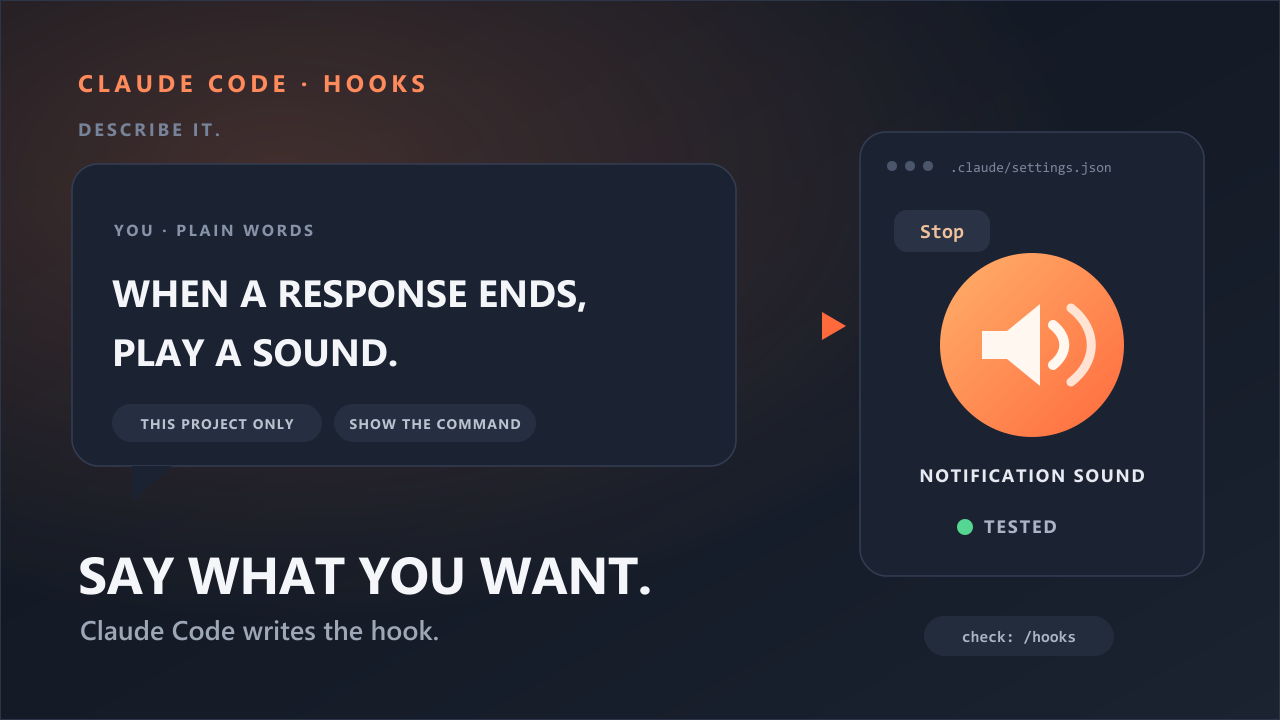
Stop) - When the AI is waiting for your input (
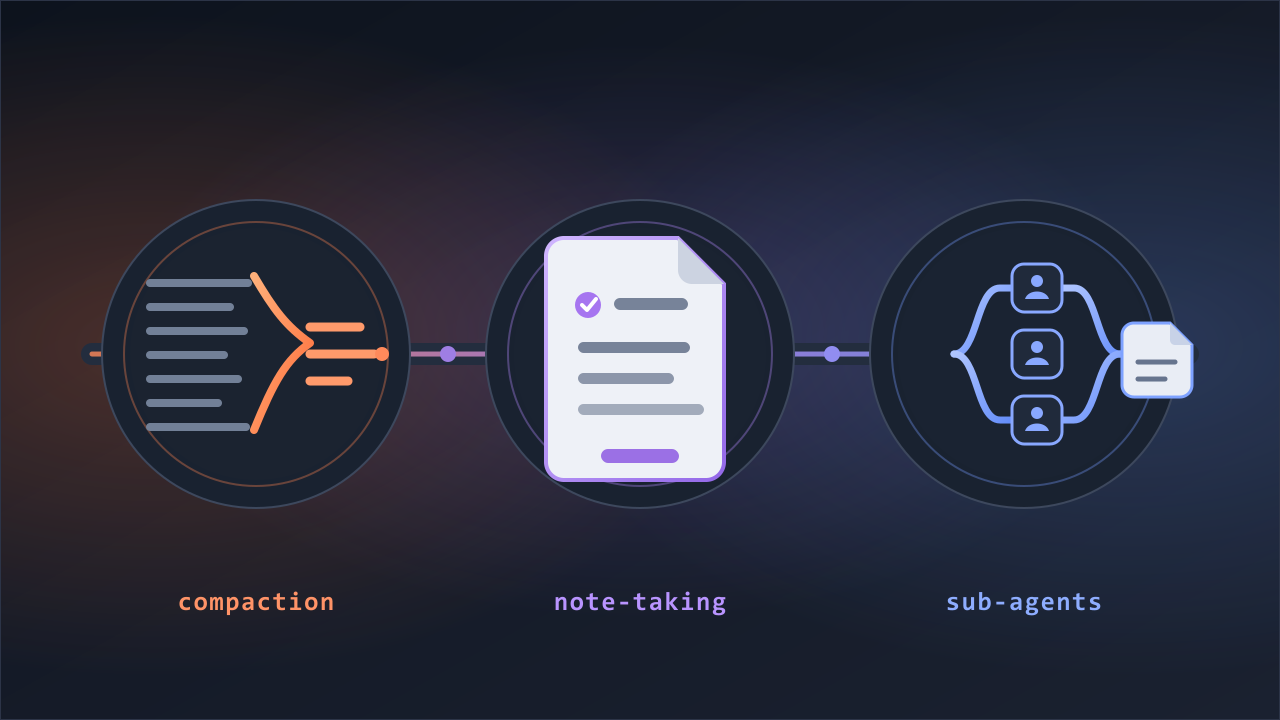
Notification) - When the conversation grows long and gets summarized automatically (
PreCompact) - When a session closes (
SessionEnd)
The rest are finer-grained moments — things like subagents or a change of working directory. You can look those up in the list once you're comfortable.
To start, three of these are enough.
Just before a tool runs. Right before the AI executes a command or changes a file. As we'll see in a moment, this is the only point where you can actually stop what's about to happen.
Just after a tool runs. The file is already changed, so you can't undo it — but you can attach cleanup automatically. For instance, having the AI tidy up the formatting every time it edits code.
When the AI is waiting for your input. Hand off a long task, go do something else, and get a notification when it's done. No need to keep staring at the terminal.
What actually blocks is "just before"
Of the three, the weight is on the first — just before. The other two only react to what's already happened, or notify you; the just-before hook can cancel what's about to happen before it happens, as if it never came up.
If the command that runs at that moment sends back a "no" signal, the action the AI was about to take is cancelled. The reason it was blocked is passed back to the AI, so it soon looks for another way.
Back to where we started. Say you're coding and you set a hook for "don't push to main." The instant the AI tries to run git push, the hook looks at the command. If the destination is main, it's cancelled on the spot.
On top of that, this block holds no matter how far you open up permissions. Even with oversight loosened all the way — you've told the AI "you don't have to ask each time, just go" — the line a hook draws stays in place. You can slacken the reins for convenience, and the rule you set still holds.
In the end, a hook is just a command
A single line that runs in the terminal at a set moment — that's all a hook is. So to make one, you open a settings file and write that command in.
"So do I have to open the settings file and write the command myself?" Not really. You can have Claude Code write that setting for you with a prompt. In the next piece, we'll look at how to have Claude Code build the hook you want, on its own.
Sources
- Anthropic Claude Code: Get started with hooks
- Anthropic Claude Code: Hooks reference