When working with Codex, you may want to change direction partway through. Codex CLI lets you reopen an earlier prompt, revise it, and start a new conversation from that point. Any files changed along the way, however, stay as they are.
Press Esc twice
When Codex is no longer responding or working and the input box is empty, press Esc once. When esc again to edit previous message appears, press Esc again. This opens a screen where you can choose an earlier prompt.
The most recent prompt is selected first. Press Esc or the left arrow key to move to an older prompt, and press the right arrow key to move back toward a more recent one. Select the prompt you want and press Enter. Its text will appear in the input box, where you can revise it to match your new direction and send it again.
The original conversation remains intact
The interface says you are “editing” a previous message, but the text in the original conversation does not change. Instead, Codex starts a new conversation with the context that came before the selected prompt. The original conversation remains intact.
Files already changed stay changed
If you start a new conversation from an earlier prompt, will any files changed after that point also revert to their earlier state?
I tested this in an isolated environment where file changes were allowed. In a second prompt, I told Codex to change the contents of probe.txt to CHANGED-PEW-20260722-9D81B4. I then reopened that prompt, revised it to say not to modify the file, and sent it again.
The file did not revert.
After the test, probe.txt still contained the changed text, and the working directory still showed the changes. The hash of the original conversation record was also the same before and after the branch. The conversation branched, but changes already made in the same working directory—including files that had been created, modified, or deleted—were not reversed.
This feature is not an undo command, a checkpoint restore, or a git reset.
How I verified it
In Codex CLI 0.145.0, OpenAI fixed an issue so that the original conversation, attachments, and mention links are preserved when a new conversation branches from an earlier prompt. However, the feature itself existed before version 0.145.0.
The source code from that release and the related pull request show how it works: Codex creates a new conversation using the context that came before the selected prompt, then puts that prompt back into the input box.
I tested this directly with text prompts in Codex CLI 0.145.0 on Windows. The interface displayed You’re continuing from this point in a new conversation. The records also showed the original and new conversations under different IDs. The new conversation’s forkedFromId pointed to the original conversation, and the SHA-256 hash of the original conversation record did not change.
- Original conversation ID:
019f87a0-e577-7ec3-9869-8098a1f37942 - New conversation ID:
019f87a1-1785-7d80-bce4-d3f1bd050317 - SHA-256 of the original conversation record before and after the branch:
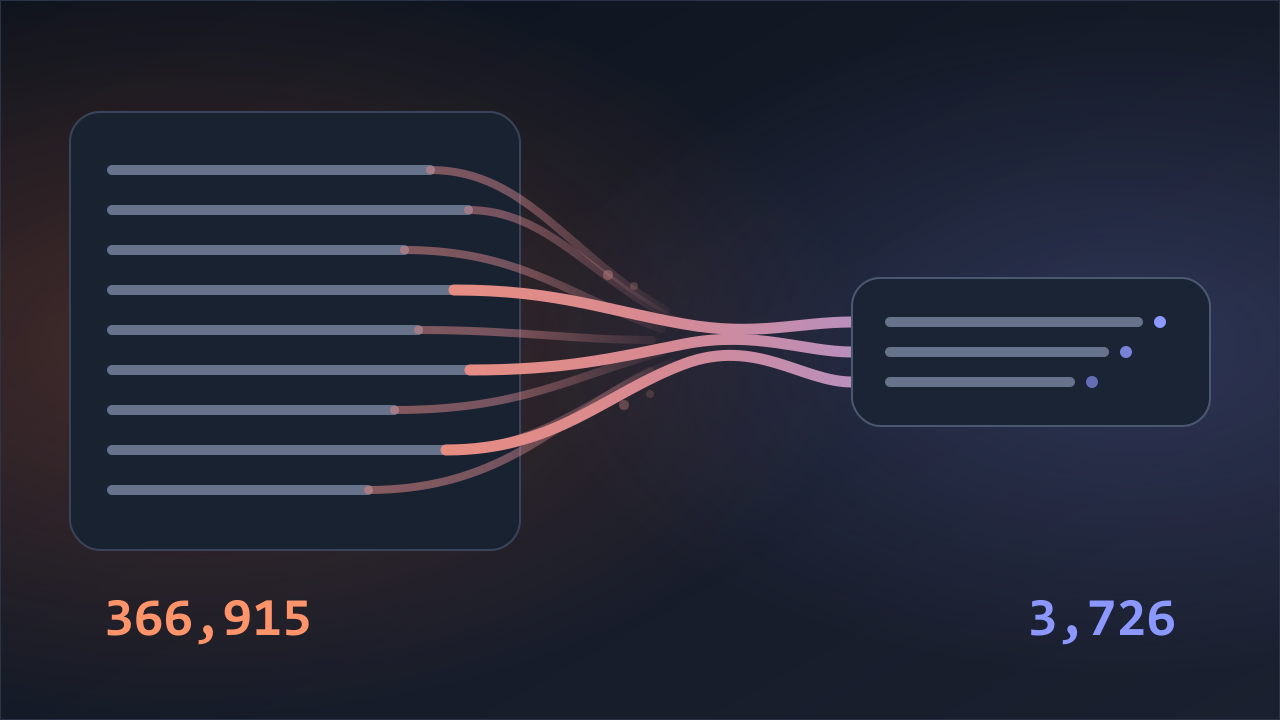
3726a957d6db7bd49aae626d90493f9a1f39f902d19be6b591f4f7b8d6c3c5dc
What I tested
This test covered text prompts in the interactive TUI of Codex CLI 0.145.0 on Windows.
- You cannot return to an earlier prompt from a side conversation.
- Additional instructions sent while a response is in progress (steering messages) cannot be reopened separately.
- If you select the first prompt, there is no earlier context, so Codex starts a new conversation.
I did not test interface differences on macOS or Linux, or what happens when you press Esc the first time in Vim mode.
Returning to an earlier prompt lets you redirect the conversation. You still need to inspect and revert any file changes yourself.