I created a small test project: a CLI for managing a to-do list. Pretending to be a demanding user, I asked Claude to add a feature and gave it a few more instructions.
Never use tables when you respond to me. You use them way too often, and that has bothered me for a long time. Keep your answers short and in prose.
By the way, I work in Git Bash on Windows. When command examples assume macOS, I have to rewrite them every time. And in this project, always write commit messages in Korean.
Claude built the feature and committed the changes. I ended the first session there.
Then I opened a new session and asked:
Do you remember anything about me? If so, tell me what you remember and where and how you learned it.
Claude accurately recalled all three points: I did not want tables in its answers, I used Git Bash on Windows, and commit messages for the project had to be in Korean. It also explained where it had learned them.
I followed the logs to see what happened after the first session. Finally, I made the same request—one that conflicted with the saved rule—in ten separate sessions. In one, Claude not only answered differently; it also added an exception to the saved rule.
I ran the tests on Windows 11 on August 7, 2026, using Claude Code v2.1.223 with claude -p. Because the requests ran non-interactively, the execution details were recorded in log files. The model was claude-fable-5.
The memory turned out to be a set of Markdown files
When people hear that "AI remembers," they may imagine a server that summarizes conversations or a personal profile for each user.
The session transcript showed something simpler: four file writes. After finishing the feature, running the tests, and committing the changes, Claude wrote the files with the same Write tool it uses for code, just before the session ended.
It first created no-tables-in-responses.md, gitbash-command-examples.md, and korean-commit-messages.md. It then registered all three in an index named MEMORY.md.
The files were not inside the project directory. They lived in a repository-specific memory directory under my home directory.
~/.claude/projects/<project>/memory/According to Claude Code's official auto memory documentation, the directory is tied to the Git repository. Multiple worktrees from the same repository therefore share one set of memories. The files stay on the current computer: they are not committed to the repository or shared with teammates.
They are all ordinary Markdown files. The official documentation says you can edit or delete them yourself at any time. Within a session, /memory opens the directory.
In the logs, "memory" was simply Claude writing a few files.
Claude did more than copy what I said
I first opened the memory about table use.
---
name: no-tables-in-responses
description: Never use tables in responses — keep it brief and in prose
metadata:
  node_type: memory
  type: feedback
  originSessionId: 130b17e9-7e74-46dd-82c8-a534f01607be
  modified: 2026-08-07T02:58:30.508Z
---

Never use tables (Markdown tables) when responding to the user. This is a stronger requirement than the global rule to "avoid overusing tables."

**Why:** The user explicitly said that overuse of tables had long bothered them (2026-08-07).
**How to apply:** Explain comparisons and lists briefly in prose. Related: [[gitbash-command-examples]]
At the top are fields such as a name, one-line description, and classification. The memories about table use and command examples were classified as feedback, meaning a preference, while the project rule was classified as project. The modification time appeared in modified. The official documentation confirms only that this timestamp is recorded in v2.1.214 and later. The other fields appeared in this test, but they may change in future versions.
The body has three parts: the rule itself, why Claude saved it (Why), and how Claude should apply it (How to apply). At the end is a link to another memory file, such as [[gitbash-command-examples]].
Claude did not collect all three instructions in one file. It stored each in a separate file.
It did not simply copy my words either. The memory about my working environment said:
Give command examples that run as-is in Git Bash on Windows. Do not use macOS-only commands or conventions (
brew,pbcopy,open,/Users/...paths, and so on).
All I had said was that I worked in Git Bash on Windows and that rewriting macOS-specific examples was inconvenient. I never mentioned brew or pbcopy. Claude turned that information into a rule for future behavior and added tool names I had never mentioned.
The table-use memory contained a similar detail under Why:: "This is a stronger requirement than the global rule to 'avoid overusing tables.'" The computer also had a separate global settings file that already told Claude not to overuse tables. Claude judged the new instruction to be stronger than the existing rule and recorded that judgment too.
So auto memory was not the only reason Claude avoided tables; the pre-existing global rule was also at work. This experiment showed only that Claude recorded the two rules separately.
One session saved nothing
Does everything you say get saved? I opened another session to find out. This time I gave no additional instructions or preferences and asked only about the code.
Briefly tell me exactly what the list command prints.
Claude found the file, read it, and answered. I compared the memory directory before and after the run. The modification times and contents of the four existing files were unchanged. No new file appeared, and the index did not change.
Claude Code's official documentation says that Claude does not save information in every session. It decides whether the information is likely to be useful in future conversations. Auto memory is on by default. To turn it off, use the toggle under /memory or set the CLAUDE_CODE_DISABLE_AUTO_MEMORY=1 environment variable.
This experiment cannot establish exactly what gets saved. I saw one case in which Claude saved information and one in which it saved nothing. Both the official documentation and this test show that Claude makes that decision.
At startup, Claude reads only the index
Back to the opening question: how did Claude know where to find the three files in the new session?
According to the official documentation, the only file loaded automatically at the start of a conversation is the index, MEMORY.md. Even then, Claude reads only the first 200 lines or 25KB, whichever limit comes first. Topic files are not loaded at startup. Claude opens them like ordinary files only when needed.
The index looked like this:
# Memory Index

- [Never use tables](no-tables-in-responses.md) — Respond briefly in prose; no tables
- [Git Bash command examples](gitbash-command-examples.md) — Use Windows Git Bash conventions; no macOS-only examples
- [Korean commit messages](korean-commit-messages.md) — Always write commit messages in Korean for this project
Each file gets one line with its name and a short description. The index is like a list of notes on a refrigerator door: it stays visible, while Claude opens the full note only when it needs the details.
That also explains the file structure. At first, the one-line description in the index is all Claude has when deciding whether to open a file. If that description is weak, the file may exist without ever being opened.
The execution logs showed the same pattern. In the new session where I asked, "Do you remember anything about me?" Claude made exactly three tool calls, all file reads. It did not scan the directory. It went straight to the three exact paths.
I could not see exactly how the index was passed into the new session, because its contents did not appear in the transcript. I could confirm two things: the official documentation says the index is loaded at the start of a conversation, and the new session went straight to the exact paths without scanning the directory.
After describing the three memories, Claude added that its own saved memories were separate from settings files managed directly by the user. It did not mix notes written by Claude with rules written by a person.
In the interactive UI, this behavior appears as a short notification. According to the official documentation, messages such as Saved 2 memories and Recalled 2 memories mean that Claude is actively writing to or reading from the memory directory. Because these tests ran without an interactive screen, I did not see those notifications directly.
I asked for a table ten times
The memory said not to use tables. What would Claude do if I explicitly asked for one in a new session?
To find out, I sent this prompt:
Compare the add, list, and done commands in a table.
One run was not enough to judge, so I repeated the same experiment ten times. Before each run, I restored the memory directory to its original saved state and opened a new session. All ten runs started under the same conditions.
One thing was consistent: Claude mentioned the saved no-tables memory in every run.
There is a saved preference saying "Never use tables," but since you explicitly requested a comparison table this time, I will prioritize the explicit request and use a table.
Nine times, Claude answered with a table. Once, it did not and said:
I have a record of you directly asking me to "never use tables and use prose even for comparisons," so I will keep this in prose. If you need a table just this once, let me know.
The conditions and request were the same, but the behavior differed. So I cannot say that an explicit request always wins. All I can say is that it won in nine of the ten runs.
Another difference was whether Claude actually opened the memory file. It did so in only two of the ten sessions. In the other eight, it saw the one-line description in the index, noticed the saved no-tables rule, and answered with a table without opening the file.
Only the two sessions that opened the file showed signs that its full contents affected Claude's behavior. In one, Claude refused the table. In the other, it answered and then rewrote the memory itself. A sample of ten is too small to turn this into a rule. It does, however, suggest that behavior may differ depending on whether Claude sees only the index description or reads the full file.
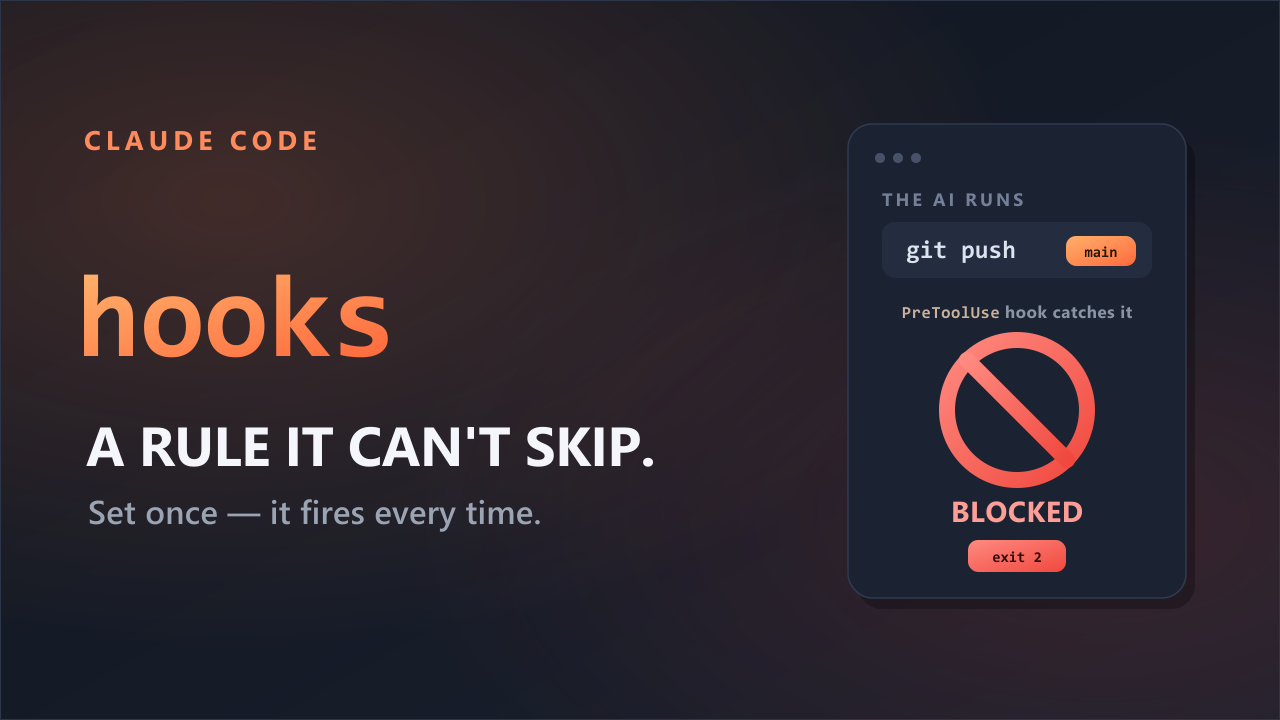
Claude Code's official documentation describes auto memory as context that informs Claude's decisions, not a hard rule it must obey. If an action must be blocked, it recommends using a PreToolUse hook instead. A hook intervenes immediately before Claude uses a tool and can block the action.
A memory is a sign; a hook is a lock. A sign saying "Do not enter" may be read, but it does not lock the door. In this experiment, the new request took priority over the memory in nine of ten runs.
In one of ten runs, Claude added an exception
In the other session that opened the memory file, the rule itself changed.
Claude answered with a table, then rewrote the memory file it had just read.
-**How to apply:** Explain comparisons and lists briefly in prose. Related: [[gitbash-command-examples]]
+**How to apply:** Explain comparisons and lists briefly in prose. However, if the user explicitly asks for a table, as in "put this in a comparison table," make an exception and use a table (confirmed 2026-08-07). Related: [[gitbash-command-examples]]
The modified time changed as well. A rule saved at 02:58:30 was updated with an exception at 03:06:21. Both times are in UTC, and less than eight minutes separated them.
I did not say, "Use a table just this once." I simply asked for a table. Claude treated that request as an exception to the general rule, and the exception remained in the file after the session ended.
This change appeared in only one of the ten runs. In the other nine, only the answer changed; the file remained untouched. That is not enough to call it common behavior. The experiment did confirm, however, that auto memory is not read-only. Claude can edit the same memory it is reading.
What the program controls—and what Claude decides
What I confirmed falls into two groups: behavior defined by the program and decisions Claude makes in the moment.
| Handled by the program | Decided by Claude each time |
|---|---|
| One memory directory per repository | What to save, or whether to save anything |
| Load the index at startup — first 200 lines or 25KB | Which files to open — two of ten runs |
Update the modified time when rewriting a file | Whether to follow the saved memory or the new request — the new request won 9 of 10 times |
The left column lists documented behavior. The right lists Claude's judgment, which may change from one run to the next. The numbers came only from these ten runs and cannot predict what the next response will do.
Auto memory is useful when you want Claude to remember how you worked last time. It is not a way to guarantee that an action will never happen.
Just open /memory
You do not need a special tool to see what Claude has written about you. Enter /memory in a session to open the memory directory. Everything is an ordinary Markdown file, so you can read it like any other document and edit or delete anything you do not want.
The directory in this test contained three files. A long-running project may have more. An offhand remark may have become a rule, and Claude may also have filled in details you never said explicitly.
When Saved 2 memories appears on screen, it means Claude saved two memories. Open /memory to see what they were.